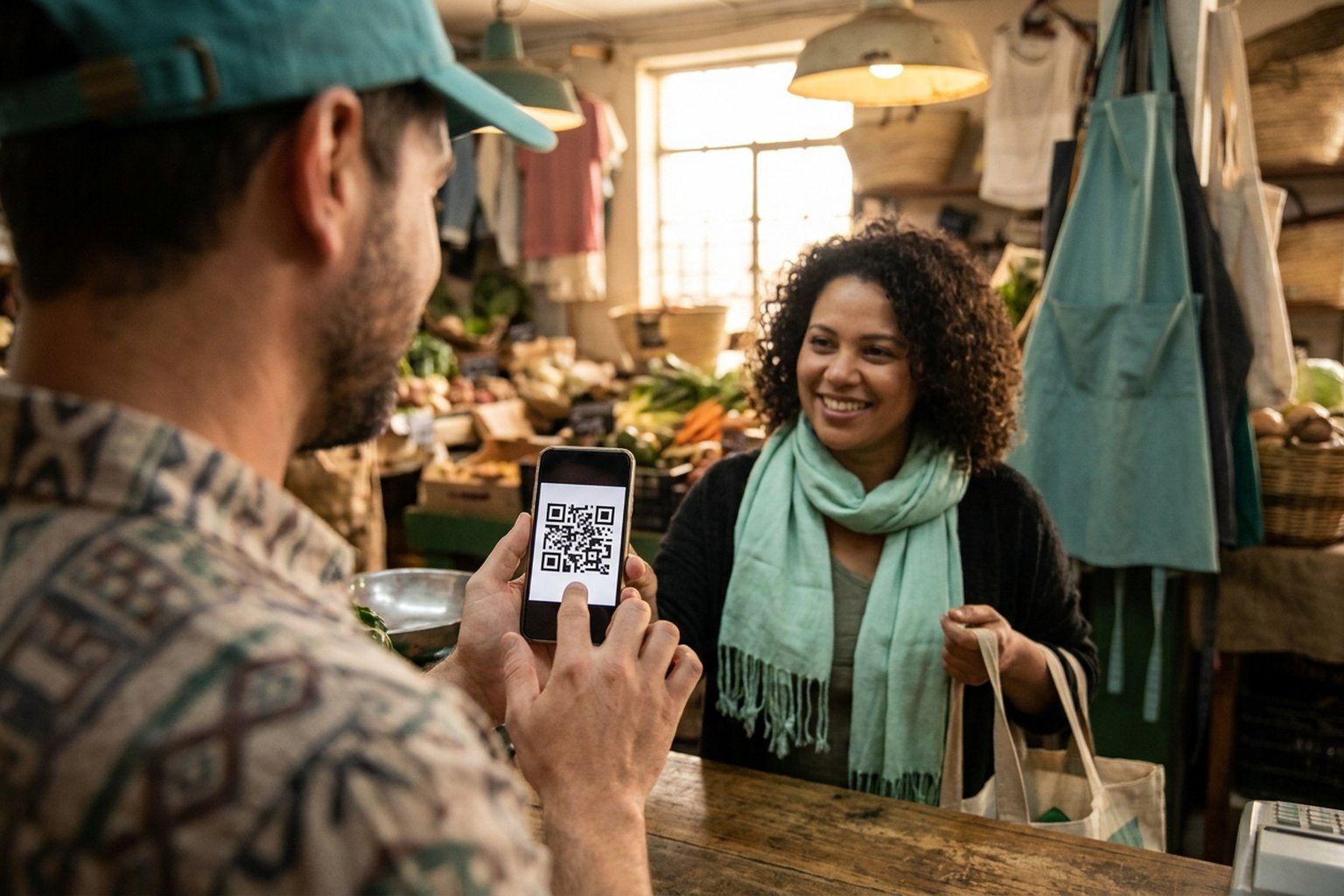
If you sell something and want to know how to generate a PIX QR code to get paid, there are two very different paths — and understanding the difference saves headaches. The common path is generating a QR code for your personal PIX key in your banking app: the money lands straight in your bank account. The other path, which is PixGo's, is generating a checkout link or charge QR code where the customer pays via PIX and the amount reaches your wallet as DePix by the end of the next day, a stablecoin backed 1:1 to the Brazilian Real, under your self-custody. This article explains both options honestly so you can pick the right one for your case.
- Through your banking app you generate a static QR code from your personal PIX key — free, but the money stays in a regular bank account.
- On PixGo you generate a charge link/QR (via Store or checkout): the customer pays in PIX and the amount becomes DePix in your self-custody wallet.
- It is not a free static QR of your personal key — it is a charge QR that processes the payment and converts it into a stablecoin.
- Fee of 2% (or 2% + R$ 1 on sales from R$ 10 to R$ 49.99) plus R$ 0.50 per transfer to your wallet. No monthly fee, no contract, no mandatory business registration.
- The QR/link can be permanent (Store/checkout) or for a specific charge, with a fixed or open amount.
Personal PIX-key QR code: the banking-app way
Almost every bank today lets you generate a PIX QR code right in the app. The steps are usually similar:
- Open the banking app and go to the PIX section.
- Look for "Receive with QR Code" or "Generate QR Code".
- Choose a fixed amount (e.g., R$50) or leave it open for the customer to type.
- Show the code on screen, send it by message, or print it for the counter.
This is the well-known static QR code: the same code works for many charges and the money lands in your bank account. It is simple and free, and works fine for individuals and small inflows. The limitation: everything goes through the traditional bank, with the bureaucracy, freezes, and lack of control that come with it.
Turn your PixGo payment link into a QR Code to print or share. Open the PIX QR Code generator.
Create accountPixGo charge QR code: get paid and turn it into a stablecoin
PixGo does not generate a static QR of your personal PIX key. What you create is a checkout link (or a charge QR code derived from it) hosted on the platform. The customer opens it, pays via PIX as usual, and the amount enters your wallet as DePix — a stablecoin backed 1:1 to the Real, on the Liquid network. The practical difference is large:
- Self-custody: the wallet's key/seed is yours. Once the DePix reaches your wallet, you control your own money.
- No mandatory business account: sign up with email and password and link a wallet; then PixGo validates your account. No contract, no monthly fee.
- Permanent or one-off: the online Store and the checkout link work as a permanent charge; you can also generate a QR for a specific sale.
- Technical privacy: the Liquid network uses confidential transactions, which hide amounts on the public blockchain — a technical privacy feature, fully within the law.
If you want to understand the asset you receive, it is worth reading what DePix is before you start.
Step by step to generate your PIX charge QR code
In practice, creating the charge on PixGo takes only a few minutes:
- Create your account at pixgo.org/cadastro with email and password.
- Open the wallet at wallet.pixgo.org and take your first steps, carefully writing down your seed. Then save and validate the address in My Profile.
- After sign-up, PixGo validates your account.
- For a specific sale, use Generate Charge: enter the amount (minimum R$ 10) and the CPF or CNPJ of who will pay. The customer pays from the account of that same document, and the QR is valid for 20 minutes.
- Create a checkout link in My Store → Create New Checkout, with a fixed or open amount and a description of the sale. First you need a registered company (My Company) and an active PixGo Key (API Keys menu → Request access).
- Turn that link into a QR code to print at the counter or send over WhatsApp.
- For a permanent code that always receives into the same wallet, set up a fixed QR code.
If you sell with a catalog, you can go further and set up the free online store, with products, your own link, and even recurring payments for subscriptions.
What it costs and how the money becomes Real again
PixGo charges 2% per sale (or 2% + R$ 1 on sales from R$ 10 to R$ 49.99), plus R$ 0.50 per transfer to your wallet — PixGo's fee for the next-day transfer, not a Liquid network fee. There is no monthly fee and no lock-in. The details are in the PixGo fees article.
Received in DePix and want to go back to Real? It is straightforward: you can withdraw via the Wallet's PIX Button or through CryPix (PIX or boleto). And if you want to protect the amount against Real inflation, you can swap part of it into digital dollars (USDT) right inside the wallet — see how to receive PIX in dollars.
Static, dynamic, and checkout link: which to choose
Summing up the three ways to receive with a QR:
- Static QR (bank): free, fixed or open amount, money in the bank account. Good for individuals and low volume.
- Dynamic QR (bank/PSP): one code per transaction, with amount and identifier — eases reconciliation for high volume.
- PixGo checkout link/QR: receives in PIX and converts into DePix in your self-custody wallet, with a store, recurrence, and full control of the money.
There is no universal "right" choice: it depends on whether you want the money sitting in the bank or under your custody as a stablecoin.
Frequently asked questions
Can I generate a free static PIX QR code of my key on PixGo?
No. PixGo generates a charge link/QR that processes the payment and converts it into DePix in your wallet. If you only want a free static QR of your personal key landing in a bank account, that is done in your banking app.
Does the customer need a PixGo account to pay?
No. The customer pays via regular PIX, from their own banking app. The one who needs a PixGo account is you, who receives and holds the amount as DePix.
Does the charge QR code work for multiple sales?
Yes. The checkout link and the fixed QR act as a permanent charge: the same code receives as many sales as you want. You can also generate a QR for just one specific charge.
Do I need a business registration or a monthly fee?
No. Sign-up is with email and password, you can use a personal CPF, with no contract and no monthly fee. You only pay the per-sale fee and the transfer fee.
I receive in DePix; does this need to be declared?
Yes. DePix is a digital asset and must be properly declared on your income tax. We explain the right way in how to declare DePix on your income tax.
Ready to generate your PIX charge QR code and get paid with the money under your own custody? Create your free account on PixGo, build your checkout link in minutes, and start selling with a low fee and full control.