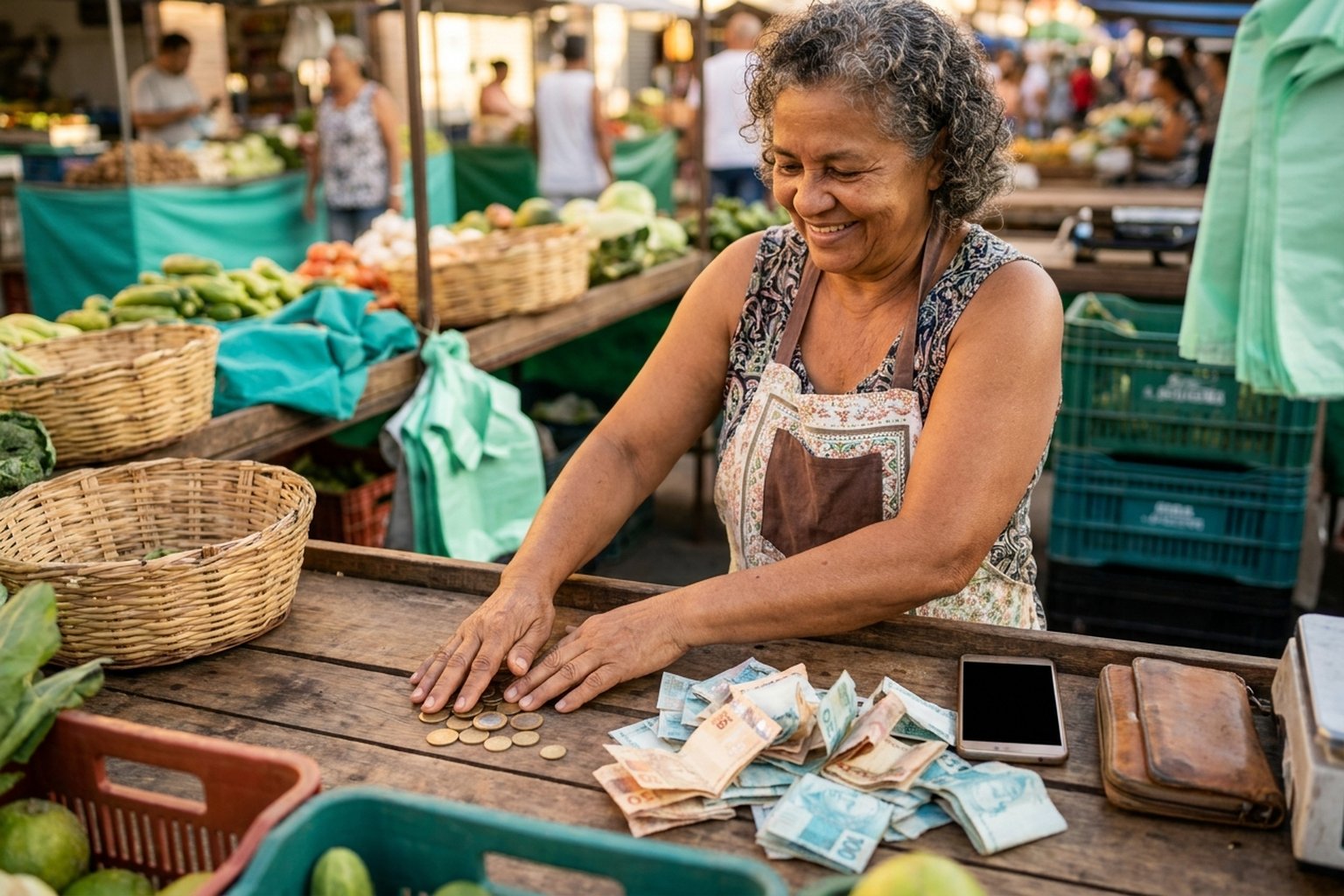
Talking about fees is easy — understanding the exact math, with everything that goes into the calculation, is what makes a difference for your pocket. PixGo has only two fees, no fine print, no surprise at month's end. Here's every cent explained, with 6 practical examples to lock it in.
- 2% on the amount for QR of R$50.00 or more
- 2% + R$1.00 fixed for QR from R$10 to R$49.99
- + R$0.50 fixed for D+1 delivery (regardless of amount)
- Account creation, online store and QR generation are not charged — no monthly fee, no setup; you only pay the fees on sales received
The full structure
Every sale on PixGo goes through two fees, added together. No third, no hidden, no subscription:
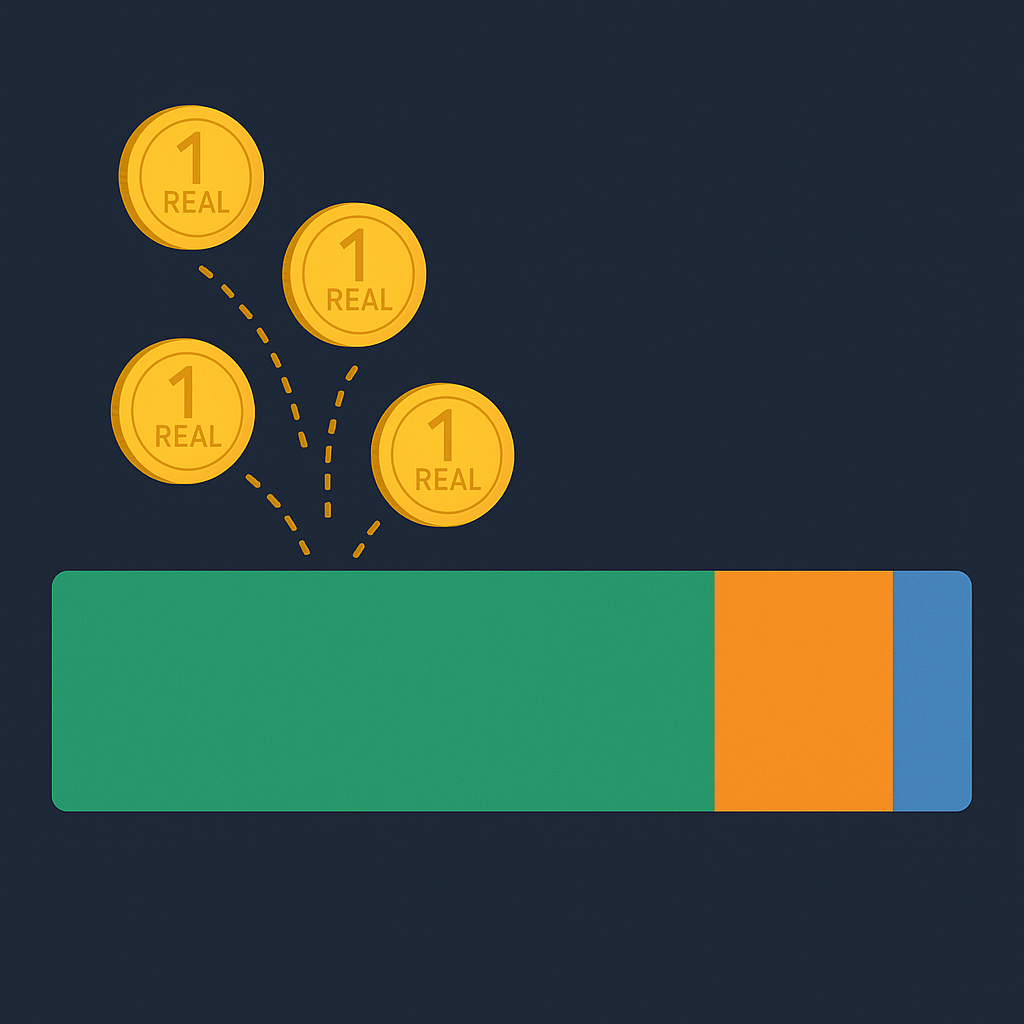
Fee 1 — PixGo Fee (at payment time)
Main fee, charged when the customer pays your PIX. Calculation is by amount tier:
| QR Amount | PixGo Fee | Example |
|---|---|---|
| R$10 to R$49.99 | 2% + R$1.00 fixed | R$30 → 2%×30 + R$1 = R$1.60 |
| R$50 or more | 2% on the value (no fixed) | R$200 → 2%×200 = R$4.00 |
Single tier, no special level, no volume discount. Whoever bills R$1000 or R$100 pays the same percentage.
Fee 2 — D+1 Delivery (to Liquid wallet)
When DEPIX is delivered to your Liquid wallet (the day after payment), PixGo charges R$0.50 fixed per daily transfer (one per day, adding up that day's sales), regardless of amount. Covers the cost of the Liquid Network on-chain transaction + batch processing.
Your customer pays a regular PIX and the money arrives as DePix in your own wallet. See how the PixGo PIX gateway works.
Create account6 practical examples
| Customer paid | PixGo Fee | D+1 Delivery | You receive (DEPIX) |
|---|---|---|---|
| R$10.00 | 2%×10 + R$1 = R$1.20 | R$0.50 | R$8.30 |
| R$30.00 | 2%×30 + R$1 = R$1.60 | R$0.50 | R$27.90 |
| R$50.00 | 2%×50 = R$1.00 | R$0.50 | R$48.50 |
| R$100.00 | 2%×100 = R$2.00 | R$0.50 | R$97.50 |
| R$500.00 | 2%×500 = R$10.00 | R$0.50 | R$489.50 |
| R$1,000.00 | 2%×1000 = R$20.00 | R$0.50 | R$979.50 |
General formula for R$10 to R$49.99: Net = (amount × 0.98) − 1 − 0.50
What's NOT included in the fee
The fees above cover only the PIX → DEPIX step. Later operations with DEPIX already in your wallet may have their own partner fees (not PixGo):
- Cash out to bank via CryPix: CryPix charges its own fee (varies with amount, visible before confirming)
- Swap to USDT/USDC via BRSwap: BRSwap charges its own spread/fee (also visible before confirming)
- Buy Crypto on PixGo Wallet: fee shown on screen before purchase (varies by amount/market)
- On-chain transactions (Liquid, Bitcoin, EVM): each blockchain has its own fees in L-BTC, BTC, ETH, etc.
So: the 2 fees in the table above are only for the entry (PIX → DEPIX). To use DEPIX afterwards, fees vary by path. See specific articles: How to cash out DEPIX and Wallet Pix button.
What's 100% free
You use these services without paying anything:
- Create PixGo account — no setup fee, no monthly fee
- Online store (Minha Loja) — hosting included, no cost
- Generate QR Code — as many as you want, every day, unlimited
- Custom checkout — multiple checkouts, with colors and logo, no cost
- Discount coupons — internal system free
- Product variations / inventory — free
- API and webhooks — free (with standard rate limit; see API guide)
- Affiliate system — free
- PixGo Wallet — 100% free (you only pay on-chain network fees when using)
Why are there fees? Where does the money go?
Every fintech needs to cover costs to exist. PixGo fees cover:
- Payment partners (banking PSPs) — they charge to process PIX
- Infrastructure (servers, security, compliance)
- DEPIX issuance (tokenization on Liquid Network)
- Human support (tickets, Telegram, customer service)
- Continuous development (wallet, dashboard, API, partners)
Simple structure compared with traditional card acquiring. No monthly fee, no card terminal rental, no contract lock-in.
Can I reduce the fee?
Direct answer: no. Same fee for all users, no premium plan or volume negotiation. If anyone offers "PixGo at 1%" or "PixGo with no fee", it's a scam.
What you can do is optimize by amount:
- Whenever possible, generate QR of R$50 or more (bundle orders, offer combos) — the R$1 fixed fee on small transactions weighs more proportionally
- For a product from R$10 to R$49.99, consider raising the price with a freebie/discount to fall into the tier without the R$1.00 fixed fee
- Example: product at R$45 charges R$1.90 fee (4.2%). Product at R$55 charges R$1.10 (2.0%). Real significant difference.
How to see the exact fee before the customer pays
In Dashboard / Generate Charge
When you generate a standalone QR at pixgo.org/depix, before finalizing the screen shows:
- Amount the customer will pay
- Total fee (PixGo + delivery)
- Net amount you'll receive in DEPIX
So you see the exact value before creating the QR — zero surprise.
In the webhook (for devs)
If you integrate via API, the payment.completed webhook brings the amounts object with full breakdown:
"amounts": {
  "gross": 100.00,          // gross amount paid
  "fee_pixgo": 2.00,        // PixGo fee
  "fee_liquid": 0.50,       // D+1 delivery
  "fee_total": 2.50,        // sum of fees
  "net": 97.50,             // net received in DEPIX
  "currency": "BRL"
}
Why you can't compare to a bank/terminal (and what PixGo actually delivers)
Looking only at the % table, PixGo seems similar to any payment acquirer. But the product is fundamentally different: you're not getting BRL stuck in a bank account — you're converting PIX into crypto under your own custody. That changes everything. Compare:
| Criteria | Terminal / bank | PixGo (DEPIX) |
|---|---|---|
| Who has custody | The bank / acquirer | You (self-custody wallet) |
| Account freeze | Can happen anytime | Once the DePix reaches your wallet, it does not depend on bank approval — your key, your money |
| Who gets reported to Central Bank | YOU (receiver) — every move is reported by the bank | The payer (the customer paying the PIX) appears in the PSP report. The Real to DePix conversion is 1:1 and does not generate capital gains — but your sales revenue is still declarable as usual, and the DePix balance goes in the Assets and Rights section |
| Balance privacy | Bank sees everything | Confidential Transactions on Liquid Network — values encrypted on-chain |
| Can dollarize? | FX with IOF + spread + broker | Swap straight to USDT inside the Wallet, with no need to open an exchange account |
| Can turn into Bitcoin? | Needs exchange + KYC + withdrawal | Swap straight to BTC in seconds |
| Use outside Brazil | Expensive conversion, intl card, IOF | Integrated Ether.fi crypto card, spend DEPIX/USDT anywhere in the world |
| "PIX blocked" risk | Account frozen if bank's algorithm flags suspicious | Once the DePix reaches your wallet, no bank algorithm gates YOUR money |
| Settlement | D+1 to D+30 depending on plan | D+1 calendar, no plan distinction |
| Monthly fee | Common (terminal rental, plan fee) | Zero |
The 2% + R$0.50 on PixGo isn't "the price of a better card terminal" — it's the price of a bridge between the PIX system and your own digital money. You trade dependence on a bank account for self-custody of your assets.
About Central Bank reporting — no mystery
To be 100% clear since this part matters: PixGo operates with payment partners (PSPs). They ARE required to report every PIX processed to the BCB. The difference is in who appears in those reports:
- Card terminal / traditional bank: YOU (seller) appear as receiver in every transaction. Everything that enters your account is registered under your CPF/CNPJ by the bank — it's banking movement, declarable.
- PixGo: who appears in the report is the payer (your customer's CPF who paid the PIX). That PIX is recorded as a crypto purchase by their CPF. You (seller) receive DEPIX (stablecoin crypto) in a wallet under your own custody — it's NOT a banking movement on your account. That PIX is reported to the Central Bank under the payer's name, but your sales revenue is still declarable as usual and the DePix balance goes in the Assets and Rights section.
Important detail: if YOU generate a QR and pay it yourself (rare but happens), then yes the report registers YOUR CPF as the payer. But even in that case, what appears is "bought DEPIX 1:1 with BRL" — there's no capital gain on that conversion (you converted BRL into a token of identical value), so there's no capital gains tax on that event. The balance goes in the annual declaration under Assets and Rights, and the sales revenue behind it is still declarable as usual.
The Sovereignty Triangle
The PixGo proposition boils down to three stages you control end-to-end:
- ENTRY — PIX becomes DEPIX: customer pays regular PIX, you receive a stablecoin pegged to BRL in your open wallet, by the end of the next day. No bank account of yours in the middle.
- PROTECTION — DEPIX lives on Liquid Network: network with confidential amounts (CT), cheap, secure, under your custody (12-word seed). Values are not exposed on the public blockchain — it is a technical confidentiality feature, not anonymity: identification and reporting to the authorities are still carried out by the payment partners.
- EXIT — you decide what to do: go back to banking PIX (via Wallet Pix button), dollarize (swap to USDT in seconds), buy Bitcoin/crypto, send to exchange, top up international card (Ether.fi), keep as reserve. All without asking anyone for permission.
FAQ about fees
Is the fee charged from the customer or the seller?
From the seller. The customer pays the full amount (R$100 = R$100 for them). You receive net (R$97.50 in this example). Same model as traditional card acquiring.
Can I pass the fee to the customer?
Yes — you can raise the product price to absorb the fee. Ex: if you want R$100 net for a product, sell at R$102.55 (to cover 2% + R$0.50 delivery). Note: Brazilian law forbids charging "PIX fee" as a separate item.
Is there an invoice for the fees?
We don't issue individual invoices per fee. Fees are recorded in the Dashboard per transaction, and you can export reports for accounting. For specific tax questions, consult an accountant.
Do sub-sellers / multiple users have a different fee?
No. Same fee for everyone, including sellers registered under a parent account (parent_user_id).
Does the fee change at peak time or late night?
No. Fixed fee 24/7, no variation by hour, day or holiday.
Final summary
- Just 2 fees: PixGo (2% or 2% + R$1) and D+1 delivery (R$0.50)
- Everything else free (account, store, API, unlimited QR)
- Can't reduce, but can optimize by keeping sales at R$50 or more
- Net amount always visible before creating QR and in webhook
- Later fees (CryPix cashout, BRSwap swap) are from partners, not PixGo
Related reading: Per-QR and per-CPF limits · How D+1 works · 4 paths to cash out DEPIX