Got DEPIX and want to send a PIX directly to a bank account — yours, your supplier's, your mom's? The PixGo Wallet Pix Button does exactly that, in seconds, without needing another app. This guide shows how it works, costs, minimum, and pitfalls.
- "Pix" button on Portfolio of PixGo Wallet
- Minimum R$100 per send
- Accepts any PIX key (CPF, CNPJ, email, phone, random)
- Recipient gets it instantly (PIX is instant)
- Charges CryPix fee (visible before confirming)
- Needs L-BTC for Liquid gas (if missing, Gas Station's Buy Gas button)
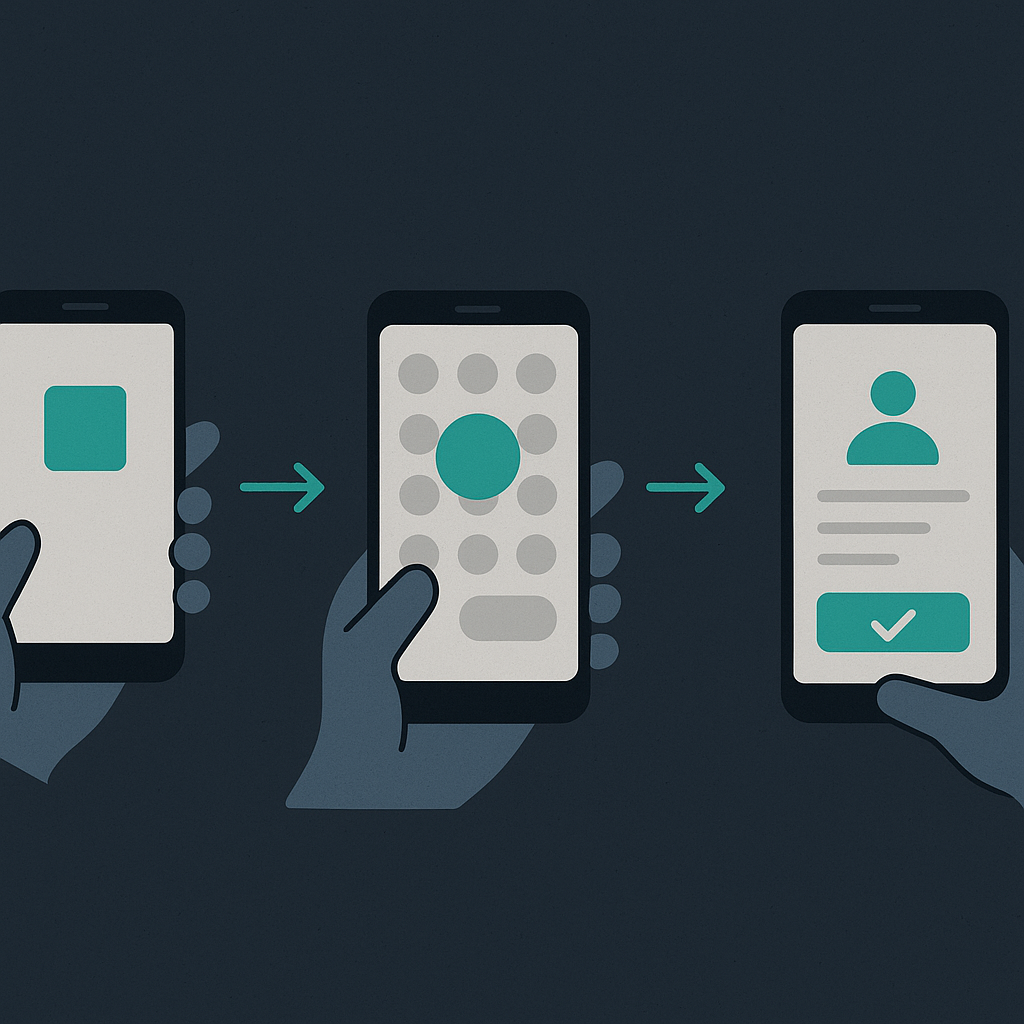
Complete step-by-step
- Access wallet.pixgo.org or open the Android app
- Unlock with your password
- On Portfolio (home screen), find 4 big buttons at the top: Pix · Buy · Charge · Card
- Click "Pix"
- First time: create/log in to integrated CryPix
- Enter destination PIX key (CPF, CNPJ, email, phone, random UUID)
- Enter BRL amount (min R$100)
- Confirm details on review screen (recipient name appears — check!)
- Confirm the payment
- PIX arrives instantly to recipient
Cost
| Component | Detail |
|---|---|
| CryPix fee | Varies with operation amount, shown before confirm |
| Liquid gas (L-BTC) | Some sats (paid in L-BTC) — Gas Station handles if you don't have it |
| PixGo fee | R$0.00 on this flow (only charged on PIX → DEPIX entry, not exit) |
Common errors
"Insufficient L-BTC for gas"
Wallet detects you don't have enough L-BTC for the Liquid transaction. Solution: on the Liquid network screen, tap Buy Gas (Gas Station) and confirm. See Liquid Gas Station.
"Invalid PIX key"
Check format. CPF is 11 digits without punctuation. CNPJ 14 digits. Phone with +55. Standard email.
"Recipient not found"
Key isn't registered in DICT (PIX key central system). Could be wrong or recipient hasn't registered this key yet at their bank.
FAQ
Does this flow have D+1?
NO. Pix Button is instant. D+1 only applies on entry (PIX → DEPIX). Exit via Pix Button is seconds.
Works on Sundays, holidays, late night?
Yes, 24/7/365. PIX is instant all the time.
Does the recipient see where the PIX came from?
What shows on the recipient's receipt is not set by PixGo and may vary. If you need to know, run a test with a small amount first.
Can I pay a boleto?
NO via Pix Button. For boleto use standalone CryPix (crypix.me) which has that feature.
Practical summary
- Pix Button on Portfolio → integrated CryPix → instant PIX to any bank
- Minimum R$100 and maximum R$5,930 per send (CryPix rules)
- Accepts any PIX key: CPF, CNPJ, email, phone, random
- Cost: CryPix fee + L-BTC gas (no L-BTC? Gas Station's Buy Gas button)
- Recipient gets instantly
- PIX has no reversal — check EVERYTHING before confirming
Related reading: 4 paths to cash out DEPIX · Liquid Gas Station · PixGo fees