Every blockchain charges a "fuel fee" (gas) to process transactions. On Liquid Network, that fuel is L-BTC (Bitcoin living inside Liquid). To send DEPIX, swap, or any on-chain operation, you need some L-BTC to pay the network fee. Good news: the PixGo Wallet Gas Station handles this in a few taps — on the Liquid network screen, the Buy Gas button buys the L-BTC for you, no need to understand gas.
- Every Liquid transaction needs L-BTC for gas (a few sats)
- Without L-BTC you can't send/swap
- Gas Station converts USDt or DEPIX into L-BTC when you tap Buy Gas and confirm
- Appears as a "You need L-BTC" notice on the Liquid network screen
- Low cost, shown before confirming — no need to buy L-BTC separately
The classic new-user problem
Imagine: you just received R$500 in DEPIX from a sale. All good, you open the wallet, see the balance. Then you try to send it to someone else or swap for USDT — and the wallet says "insufficient L-BTC for gas". What? You have R$500 in DEPIX but can't move?
It's chicken-and-egg: to send/swap DEPIX you need L-BTC. To have L-BTC you'd need to... send/swap something. Without prior L-BTC, you're stuck in a loop.
That's exactly what Gas Station solves.
What Gas Station does
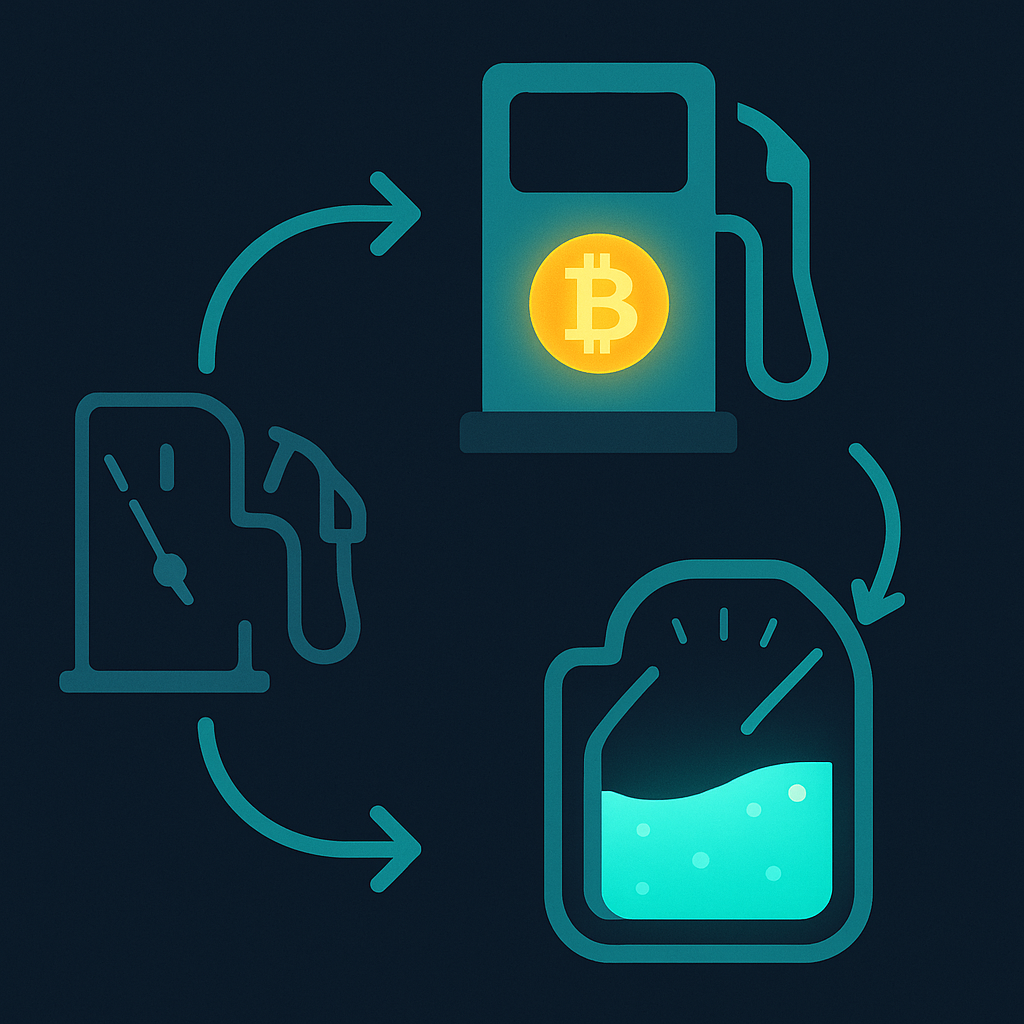
Gas Station is a feature embedded in PixGo Wallet that converts a small piece of your USDt-Liquid (or DEPIX, if there is no USDt) into L-BTC when you tap Buy Gas. All on-chain, atomic (in a single transaction), and transparent.
When Gas Station appears
- "You need L-BTC" notice on the Liquid network screen (select Liquid in My Wallet → Networks) + Buy Gas button — the purchase is not automatic
- Confirmation: shows "You pay" and "You receive" before you tap Confirm
- Payment: in USDt if you have balance, otherwise in DEPIX; with neither, the wallet asks you to buy DePix first
How much it costs
Gas Station sells an L-BTC package of 500 to 5,000 sats, paid in DEPIX or USDt. The price is the L-BTC value plus the Gas Station fee, and the total shows on screen before you confirm.
Cost is NOT proportional to amount being sent — same cost to send R$10 or R$10,000.
FAQ
Is it safe?
Yes. All operation is on-chain, atomic, auditable. You sign in your wallet — PixGo's Gas Station just provides L-BTC, has no access to your DEPIX.
Does Gas Station work for other networks (Ethereum, Polygon)?
NO. Gas Station is Liquid-specific. For other networks you need the native token: ETH for Ethereum, POL for Polygon, SOL for Solana, TRX for Tron, BNB for BNB Chain. Buy via Buy Crypto with PIX.
Can I disable Gas Station?
It's never forced — you can always close the modal. Without L-BTC and Gas Station, the transaction just won't happen but DEPIX stays intact.
Practical summary
- Liquid Network needs L-BTC for every transaction (sats = cents)
- Gas Station converts USDt/DEPIX to L-BTC via the Buy Gas button (manual, with confirmation)
- Appears as a "You need L-BTC" notice on the Liquid network screen
- Package of 500 to 5,000 sats, with the cost shown before confirming
- Not forced — you can always close and use another path
- Gas Station does NOT exist for Ethereum, Polygon, Tron, etc — Liquid only
- Receiving DEPIX costs no gas (only sending/swapping)
Related reading: 4 paths to cash out DEPIX · Full fees · Per-tier limits