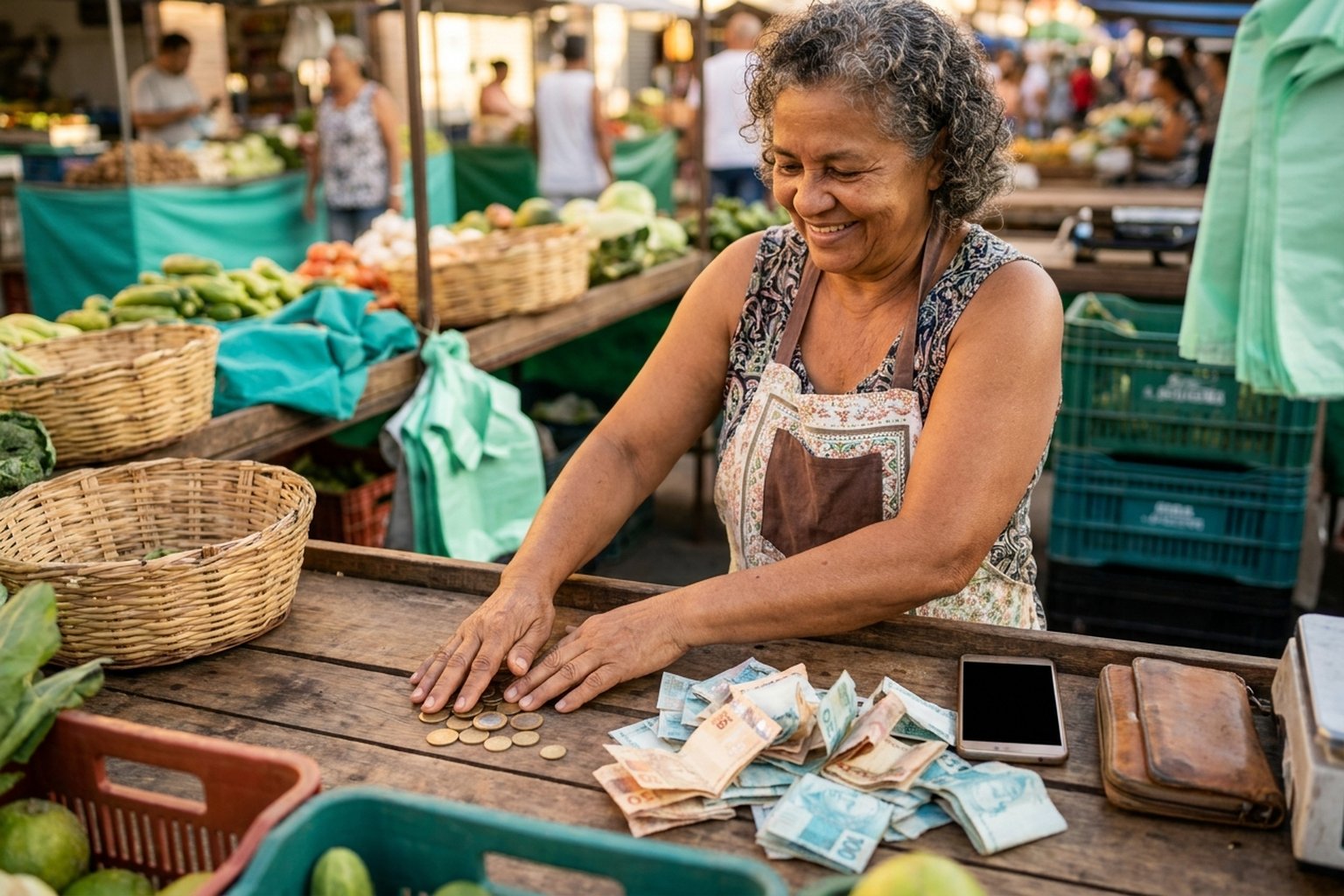
Every sale on PixGo has the same timing: received today, DEPIX arrives tomorrow. That's the famous D+1. But there are details that confuse people — does "tomorrow" include Saturday? What about holidays? And payments late at night? This guide explains everything in the simplest way, with examples for every day of the week.
- D+1 = calendar day, not business day. Saturday, Sunday and holidays all count normally.
- D+0 does NOT exist on PixGo — anyone promising instant delivery is lying
- NO fixed time of day. The rule is "by 23:59 of the next day"
- It's a PixGo operational rule (anti-fraud and batch delivery), not a legal requirement
What D+1 means in practice
D+1 is a common abbreviation in payments: "D" is the operation day, "+1" is one day later. Applied to PixGo: customer pays PIX one day (D), DEPIX lands in your wallet the next day (D+1).
Note: most Brazilian fintechs and banks use D+0 or D+1 depending on the product. On PixGo, the path is always D+1 because that's the platform's operational rule: each sale goes through the anti-fraud check and DEPIX is sent in batch to your wallet on Liquid Network the next day.
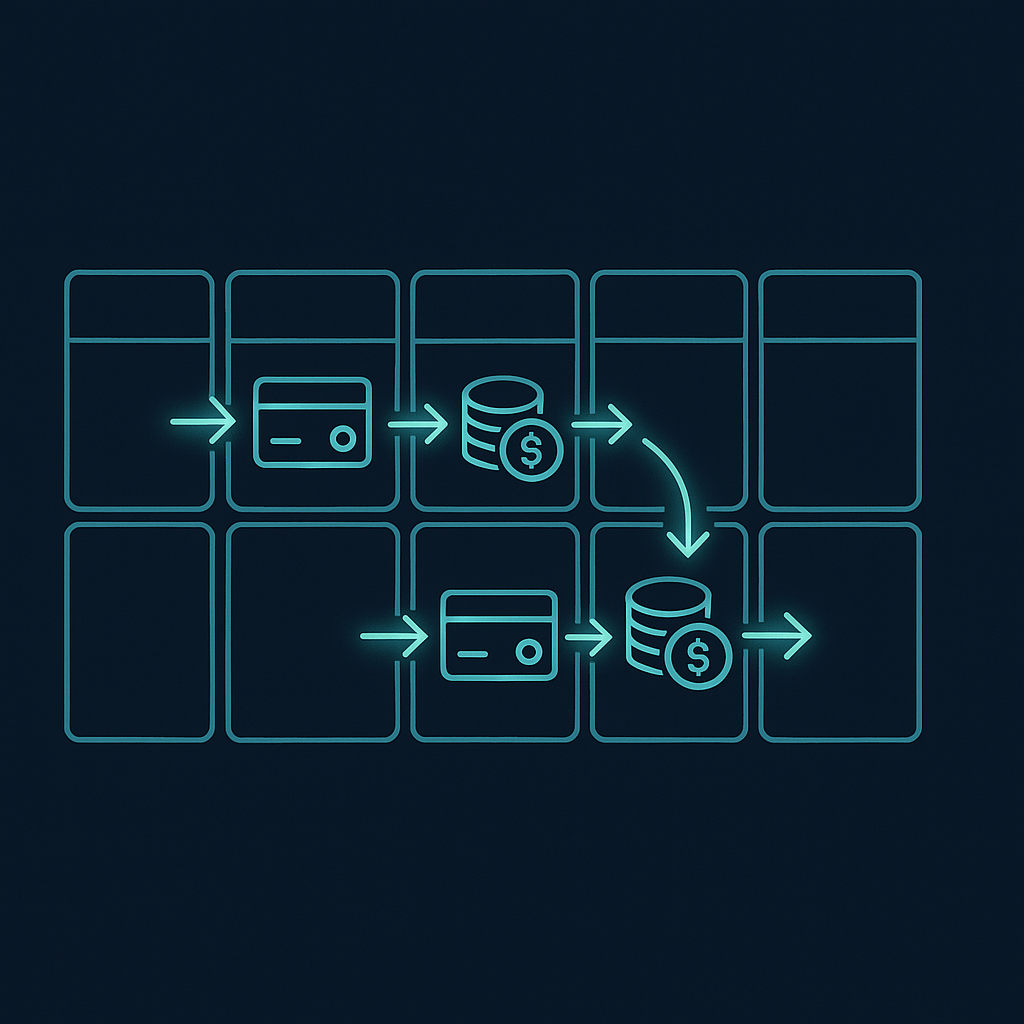
Your customer pays a regular PIX and the money arrives as DePix in your own wallet. See how the PixGo PIX gateway works.
Create accountFull table: when will I receive?
| Customer paid on… | DEPIX arrives by… | Note |
|---|---|---|
| Monday | Tuesday (by 23:59) | Standard |
| Tuesday | Wednesday (by 23:59) | Standard |
| Wednesday | Thursday (by 23:59) | Standard |
| Thursday | Friday (by 23:59) | Standard |
| Friday | Saturday | Works normally |
| Saturday | Sunday | Yes, Sunday counts |
| Sunday | Monday | Standard |
| Day before holiday | The holiday | Holiday is a normal day for the system |
| National holiday | Next day | Standard, no distinction |
"Business days" do NOT count
This is the most common confusion. The rule is: calendar day. Saturday, Sunday, national holidays, state holidays, municipal holidays — all count normally.
Why this timing? Why not instant?
Good question — and there are several legitimate reasons:
- Anti-fraud: the timing is a PixGo operational rule, not a legal requirement. It gives time to check each sale before sending DEPIX to your wallet.
- MED (chargeback) window: payer has up to 80 days to dispute the PIX with their bank. D+1 provides an initial safety window against the most obvious MEDs (typically, regretful customers dispute within hours).
- Batch processing: DEPIX issuance on Liquid Network is done in batch — not worth paying Liquid transaction fees for each individual payment. Grouping optimizes costs.
- AML compliance: each transaction goes through anti-money laundering / anti-fraud analysis before tokenization. This process takes time.
In exchange, you receive DEPIX 1:1 pegged to BRL, on an open network (Liquid Network), with very low fees to use afterwards. It's a different model from receiving directly into a bank account.
"Can I have D+0 / receive faster?"
Short answer: no, and there's no way. D+1 is the PixGo rule for ALL accounts, no exceptions, no upgrade, no premium plan. Anyone promising D+0 on PixGo is lying.
On the other hand, once DEPIX lands in your wallet (Liquid), you can:
- Send PIX directly to any bank via PIX button on PixGo Wallet, in seconds, anytime you want
- Swap to USDT/USDC via internal Swap or BRSwap, and send to Ether.fi card or exchange
- Keep in DEPIX as reserve (it's a stablecoin pegged to BRL)
So: from your side, the "instant" happens AFTER D+1 — once DEPIX is in your hand. The first step (PIX → DEPIX) has the timing.
Special cases that confuse
Late-night payment (between 11pm and 2am)
What matters is the date registered in the system, not the hour. If the customer paid at 23:45 on Friday, the system marks it as Friday — so DEPIX lands Saturday. If they paid at 00:15 on Saturday, marks as Saturday — DEPIX lands Sunday. No ambiguity.
New Year's payment (Dec 31 → Jan 1)
Same rule. Paid Dec 31, DEPIX lands Jan 1. National holiday doesn't matter. We run 24/7/365.
State/municipal holiday mid-week
For PixGo, holiday is a normal day — doesn't change the math. The customer's bank may be closed, delaying the PIX itself (status may take longer to go completed), but once completed, D+1 runs normally.
"I'm paying to myself, does D+1 still count?"
Yes. Even if you are the payer (generated the charge and paid from your own bank), the rule is the same — DEPIX lands D+1.
Difference between PixGo PIX and regular bank PIX
Regular PIX (bank to bank) is instant — lands in seconds. PixGo PIX generates DEPIX in the Liquid wallet at D+1 — different product. Confusion happens when the customer thinks "PIX = instant". The customer's PIX is confirmed instantly, but sending DEPIX to your wallet is what follows the D+1 rule.
How to track your D+1
1. Check status on the Dashboard
Go to pixgo.org/dashboard. Each transaction has a status:
- pending: waiting PIX confirmation (few minutes)
- completed: confirmed, just wait for D+1
- expired: QR expired without payment
- refunded: reversed
If completed and it's not yet D+1, everything is fine — just wait.
2. Ask Naka for updated status
Copy the deposit ID (click the magnifier 🔍 next to the transaction on the Dashboard) and paste in Naka chat (green button at bottom-right of any page). Example question:
check the status of deposit 019c8b9149ec7433a5065b834cb45ccc
She queries the system directly and replies with real status + settlement forecast.
3. Enable Dashboard notifications
Click the bell on the Dashboard to activate browser push notifications. You're alerted when DEPIX arrives. Works on Chrome, Firefox, Brave and Edge. On Brave, you need to enable at brave://settings/privacy → "Use Google services for push messaging".
4. Check directly on PixGo Wallet
Open PixGo Wallet, select Liquid Network at the top and look at the balance. If DEPIX arrived, it shows up there — may take 3-8 seconds to sync on first load.
"What if D+1 passed and nothing arrived?"
Now yes, worth investigating. Before opening a ticket, do this quick checklist:
- Is the status really
completed? Ifrefunded, it was reversed (see article on MED). - Is your Liquid address validated in My Profile? If not, DEPIX stays in custody.
- Are you looking at the right network in the wallet (Liquid Network, not another)?
If all this is OK and D+2 has passed with nothing landing, time to open a ticket at pixgo.org/chamados with deposit ID + amount + exact date. The team investigates and gets back to you.
The article My PIX was paid but DEPIX did not arrive has the full troubleshooting checklist.
Practical summary
- D+1 = calendar day after, no exception (Saturday, Sunday, holidays all count)
- D+0 does NOT exist, no fixed time of day
- The rule is "by 23:59 of the day after payment"
- Track via Dashboard, Naka chat, or push notifications
- The timing is a PixGo operational rule (anti-fraud and batch delivery on Liquid), not a legal requirement
- Once DEPIX arrives, you can send PIX or swap to crypto instantly via PixGo Wallet
Related reading: PIX paid but DEPIX didn't arrive · Full fee structure · Payment limits