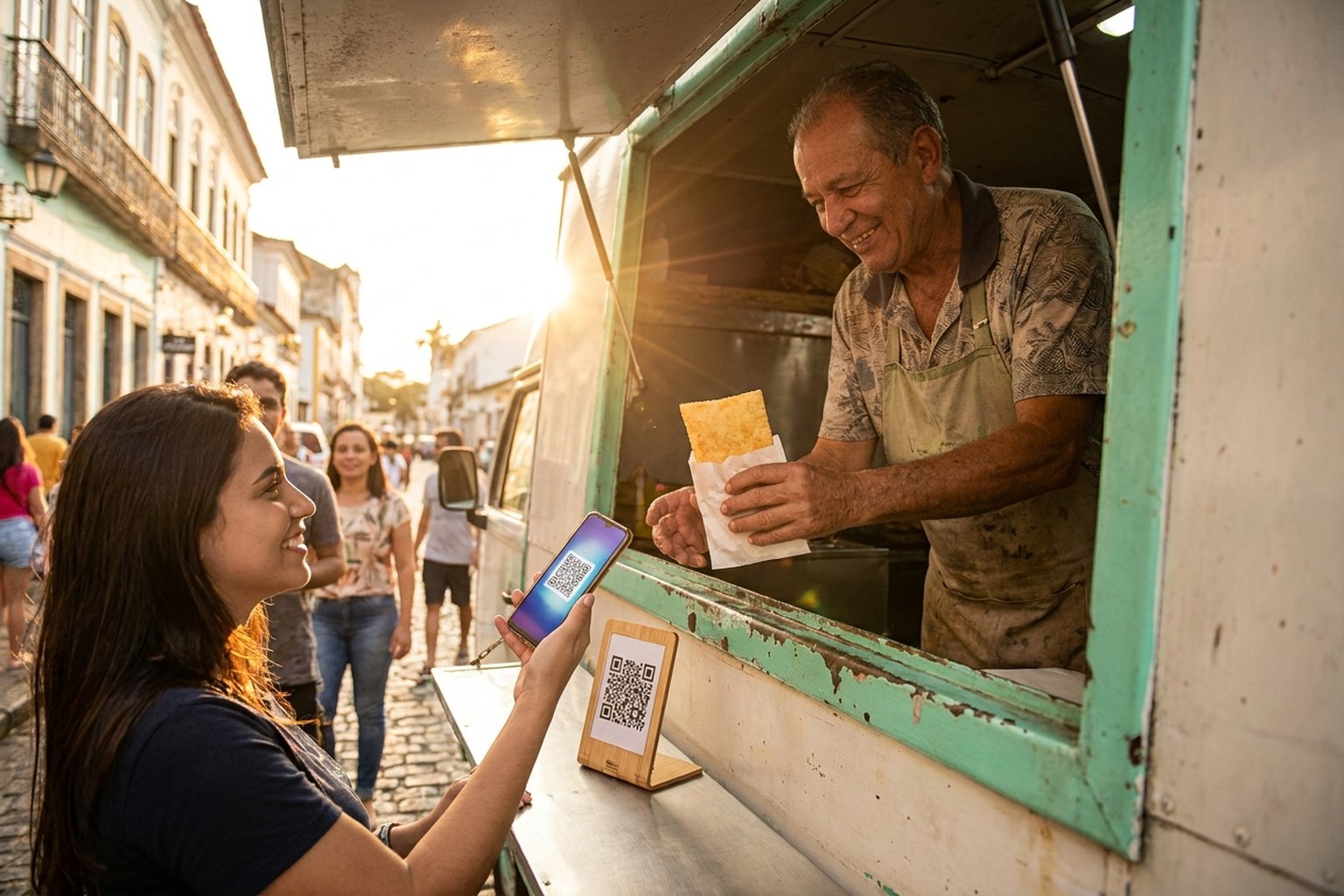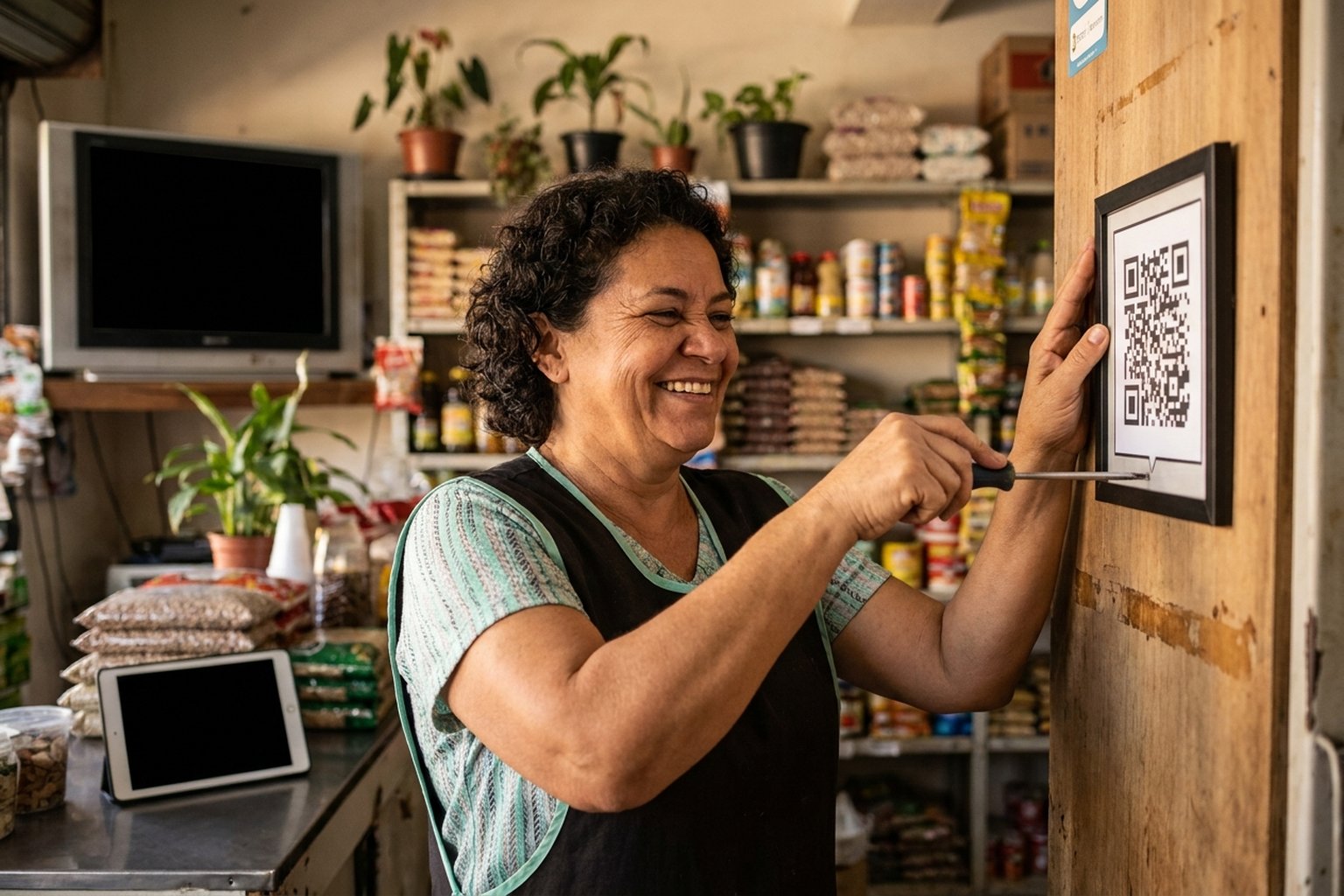
"Does PixGo have a fixed QR Code?" — one of the most common questions in Naka chat. Direct answer: traditional static QR ("plaque-style") does NOT exist on PixGo. But there's something better: the My Store permanent link that works as a fixed QR in practice — with several advantages.
- Static "plaque" QR (same QR forever, any amount): DOES NOT EXIST on PixGo
- My Store permanent link: exists, works as fixed QR, has more features
- Customer opens link → picks amount (if variable) or just pays (if fixed) → gets dynamic DEPIX QR
- Print QR of permanent link on banner, business card, receipt — that's your "PixGo fixed QR"
- Advantage over static QR: branding, description, shipping, coupon, webhook, email recovery
Why traditional static QR doesn't exist on PixGo
The static "plaque" QR Code stuck in bakeries, mini markets, and taxis has 3 traits:
- Same QR forever
- Customer types amount in their bank app
- Goes directly to recipient's PIX key (CPF, CNPJ, email, phone)
PixGo's flow is different. PIX becomes DEPIX 1:1 via PSP (parceiro de pagamento regulado). For this:
- System pre-registers payment with amount + ID
- The payment partner allocates an active
payment_id - QR is dynamically generated with that ID
- Customer pays, system matches payment with ID and issues DEPIX
Without pre-registered ID, no PIX → DEPIX bridge. That's why traditional static QR doesn't work here.
Turn your PixGo payment link into a QR Code to print or share. Open the PIX QR Code generator.
Create accountThe solution: My Store permanent link
- Stable link:
pixgo.org/pay/PRODUCT_CODEnever changes - Customer opens instantly: page appears with your brand, products, description
- Customer types amount (if variable) or just clicks pay (if fixed)
- Dynamic QR auto-generated per payment
- No payer limit: 1,000 people can use same link same day
- Automatic reset: each new customer gets fresh QR
"But I want to PRINT a QR for the wall"
You can! You print a QR Code of the LINK, not PIX itself:
- Get your My Store link:
pixgo.org/pay/PRODUCT_CODE - Generate the QR Code of that link from the product actions menu (Gerar QR Code) or with the PixGo QR code generator (free)
- Customer points camera → opens link → sees your store → picks → pays PIX
- Print QR on business card, banner, receipt, packaging
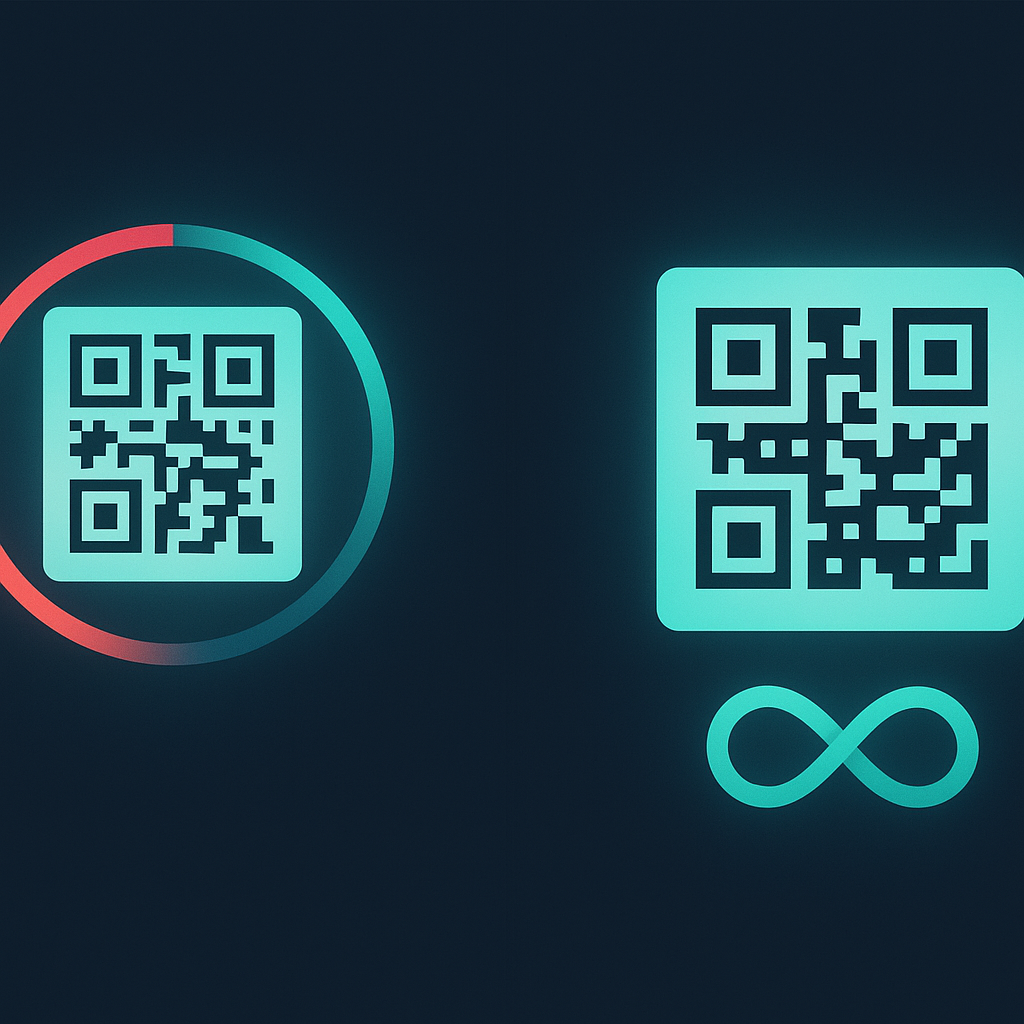
Works forever — won't expire, even after 1 year. Each scanner gets a new DEPIX QR automatically.
Detailed comparison
| Item | Bank static QR | PixGo dynamic QR | My Store permanent link |
|---|---|---|---|
| Permanent | Yes | No (20-30min) | Yes |
| Customer picks amount | Yes (their app) | No (fixed) | Yes (if variable) |
| Shows your brand | No (just CPF/CNPJ) | No | Yes (logo, description) |
| Supports product/description | No | Limited | Yes (5 images, rich text) |
| Accepts coupon | No | No | Yes |
| Abandoned email recovery | No | No | Yes (automatic) |
| Real-time webhook | Not native | Yes | Yes |
| Receives DEPIX 1:1 | No (direct PIX) | Yes | Yes |
| Self-custody | No | Yes | Yes |
How to create your "fixed QR" via My Store
Scenario 1 — Charge OPEN amount (donation, tip)
- Go to /minha-loja
- First time only: My Store is not enabled by default — register the company (My Company → Register Company) and request the PixGo Key (API Keys menu → Request access)
- Create New Checkout
- Type: Open Value
- Name: e.g., "Support my work"
- Description: "Any amount welcome. Thanks!"
- Add 1-2 images
- Click Create Checkout — link ready
- Generate the link QR Code from Gerar QR Code (product actions menu) or the PixGo generator
- Print where you want
Scenario 2 — Charge FIXED amount (product, course)
- Same flow, pick Fixed Value
- Set amount: e.g., R$ 50
- Name + images + description
- Create Checkout → print QR of link
Scenario 3 — Charge MULTIPLE products in one store
- Create ONE checkout per product, OR
- Use 1 checkout with VARIATIONS
- Customer scans main QR → goes to store → picks variation → pays
Real use cases
Physical store banner
Stick big QR on wall: "Buy via PIX → scan here". Counter customer picks product, goes to online store via QR, pays. No POS needed.
Business card / flyer
For coach, designer, freelancer: small QR + "I accept PIX". Customer scans, goes to your store ("1h Session R$200" / "Logo design R$500"), pays.
Product packaging
E-commerce: stick QR on package. Customer receives, likes, scans for more. 8-12% conversion on recurring sales via packaging QR.
Donation/tip for streamer/artist
Variable amount checkout "Support channel". QR in stream overlay, Instagram bio, email signature.
Influencer with bio link
Instagram bio link points to pixgo.org/pay/PRODUCT_CODE. Stories, posts, reels all call this single link.
FAQ Fixed QR Code PixGo
Will static QR launch at some point?
Not planned currently. The PIX → DEPIX flow nature requires pre-registered ID. For traditional static QR, you'd need bank account with direct PIX key. PixGo delivers other things (self-custody, DEPIX, My Store permanent link).
Does permanent link expire?
NO. As long as your PixGo account is active and checkout isn't deleted.
Can I have ONE QR for ALL products?
YES. Create main checkout "Maria Store" with variations (each product a variation), OR multiple checkouts and use a "showcase" external link.
Will my printed QR work 5 years from now?
Yes, provided: (a) PixGo account active; (b) checkout NOT deleted; (c) QR Code generator algorithm doesn't change (won't, universal standard).
Can customer accidentally pay with credit card?
No. QR goes to PixGo link → customer sees page with "Pay via PIX" button. No card option.
Can I disable temporarily without losing the link?
Yes. My Store → checkout → "Deactivate". Scanner sees "Temporarily closed". Reactivate anytime.
How to know WHICH CUSTOMER paid via each physical QR?
Use SEPARATE checkouts per physical location. E.g., "QR Table 1" / "QR Table 2" / "QR Window Banner". Each has its own link and separate report.
Can I create donation QR with suggested amount?
Yes. In variable amount checkout, in description put "Suggested values: R$5, R$25, R$50". Customer reads and types whatever.
Practical summary
- Traditional "plaque-style" static QR DOES NOT exist on PixGo (different PIX→DEPIX flow)
- My Store permanent link replaces with advantages (brand, description, recovery)
- Create checkout → generate the link QR (dashboard or PixGo generator) → print anywhere
- Customer scans → opens page → picks amount → pays PIX → you receive DEPIX
- No payer limit / no link expiration
- Use cases: physical banner, business card, packaging, donation, Instagram bio
- For separate dashboard per location: create checkout for each
Related reading: Configure My Store · Create checkout link · QR expired