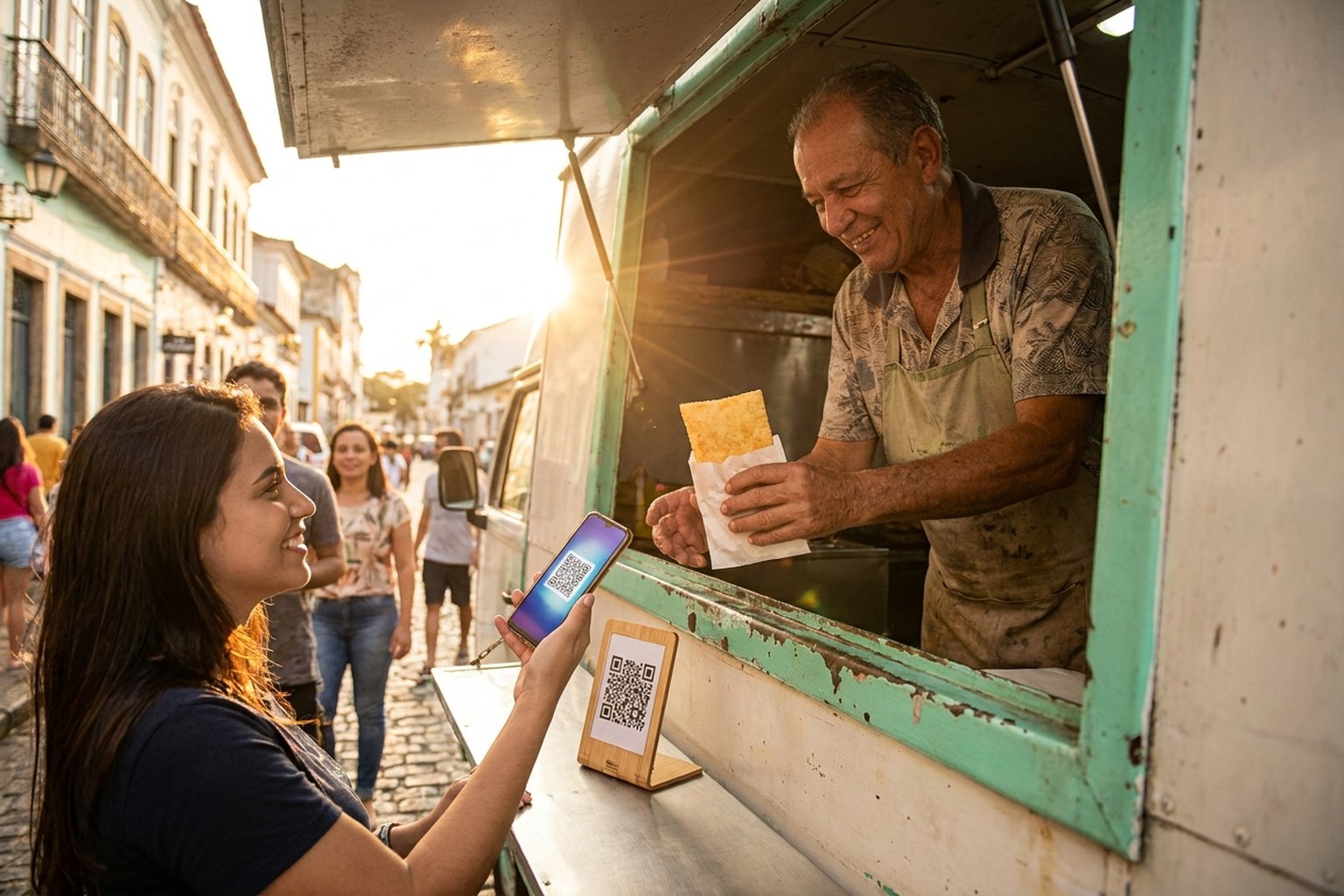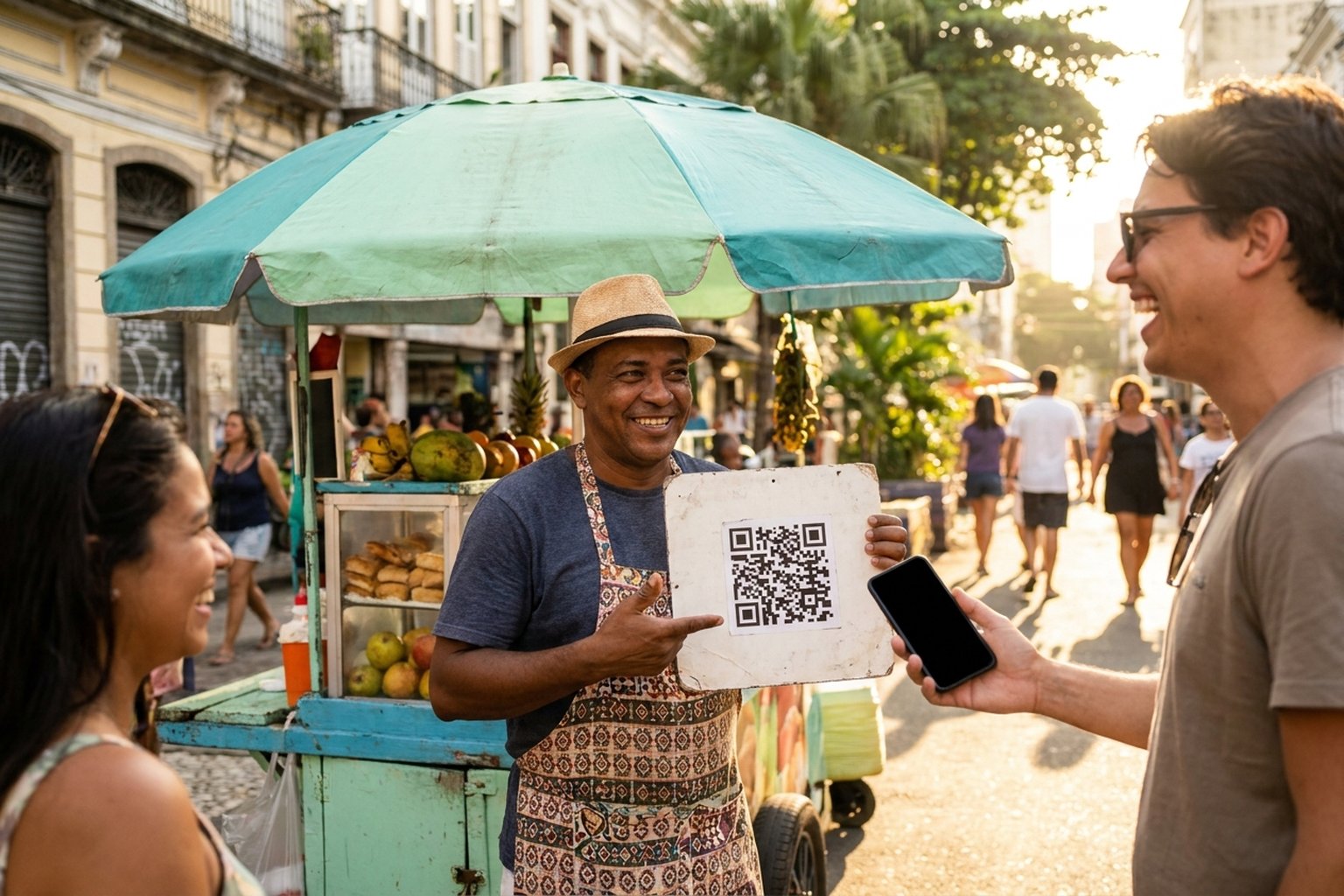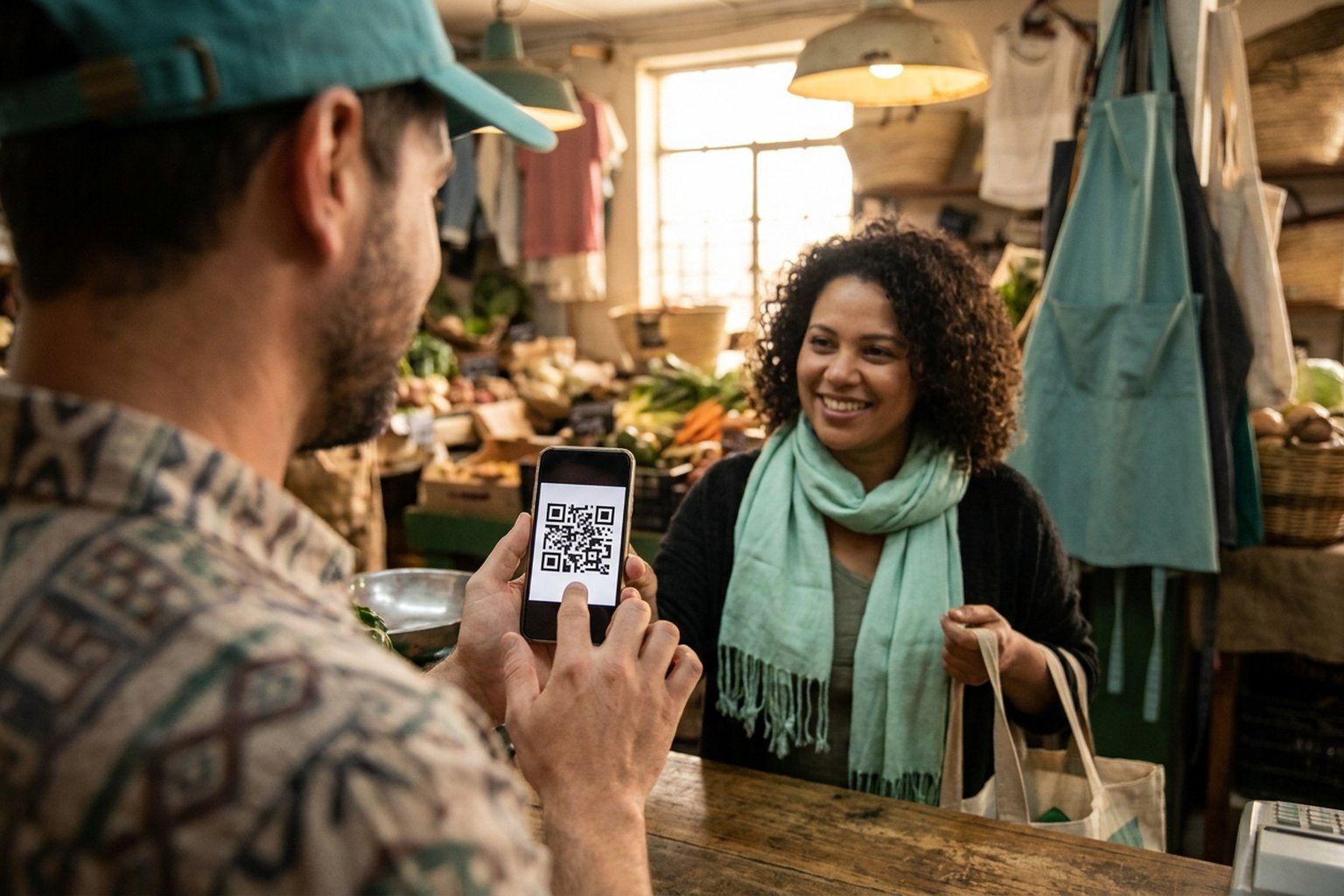
You sell, provide services, or freelance — payments come in by PIX, and if you have costs tied to the dollar, you may want to keep part of that value in dollars. Receiving PIX and keeping part of it in dollars (USDT) is an option many small businesses, freelancers and self-employed workers look for. It's not investment advice: it's your choice, in whatever way makes sense for your cash. This guide shows how to do it directly inside the PixGo Wallet — no broker, no business entity, no monthly fee.
- Customer pays PIX in Reais → you receive DePix (1:1 with the Real) in the PixGo Wallet on D+1
- Inside the wallet, BrSwap exchanges DePix for USDT (direct pair, no L-BTC bridge)
- No broker, no company entity, no monthly fee — 100% self-custody
- Keeping part of the value in dollars is your choice, not investment advice
- Need Reais back? Swap USDT → DePix in the wallet or use Crypix to pay PIX/bills directly
- All within the law: the flow does not pass through your bank account, and you declare what is in the wallet on your tax return, like any crypto
The problem: all your cash sitting in Reais
Anyone selling in Brazil knows the pattern: the money sits in the bank in Reais, while part of the costs follow the dollar. Importing parts, software, Meta ads, equipment? When the exchange rate goes up, those costs go up too.
Traditional alternatives don't serve small businesses:
- Dollar account at a bank: needs active company entity, proof of foreign income, and high fees (spread + IOF tax + maintenance).
- Crypto exchange: must open account, transfer from bank, pay spread, leave custody with a third party.
- Stablecoin via exchange: bureaucratic signup, daily limits, can be frozen by internal compliance.
What's missing? A path where PIX comes in, becomes digital dollars, and stays in your hands — no broker in the middle, no need for a company, no monthly fee. That's exactly what PixGo Wallet + BrSwap deliver.
Your customer pays a regular PIX and the money arrives as DePix in your own wallet. See how the PixGo PIX gateway works.
Create accountThe solution: PIX in as DePix, out as USDT
The flow is simple and fits in one sentence: customer pays PIX in Reais → you receive DePix in the PixGo Wallet → swap DePix for USDT inside the same wallet. Without leaving the app.
| Stage | What happens | Time |
|---|---|---|
| 1. Customer pays PIX | You generate a QR in PixGo (/depix or /loja) and send to customer | Instant (customer side) |
| 2. DePix arrives in wallet | 1:1 with the Real, in self-custody (you hold the seed) | D+1 (sold today, arrives tomorrow, weekends included) |
| 3. Swap DePix → USDT | BrSwap inside the wallet, direct pair, low spread | ~1 minute on-chain |
| 4. USDT sitting in your wallet | Dollarized, self-custody, no intermediary | Permanent until you decide to move |
Why USDT (Tether) and not something else?
USDT is the most liquid stablecoin in the world. Each 1 USDT is worth ~1 USD. Other options exist (USDC, DAI), but USDT on the Liquid Network combines three things that matter for Brazilian small businesses:
- Global liquidity: accepted on any exchange, any country. If you need to move it, no friction.
- Liquid Network = privacy + minimal fees: Confidential Transactions hide the value of transactions, and each send costs cents (vs R$50+ on Ethereum/Bitcoin mainnet).
- Swap inside the wallet itself: the DePix → USDT swap happens in PixGo Wallet and delivers to your own wallet, without going through a broker.
Bottom line: USDT is the most practical "digital dollar" for anyone wanting to dollarize cash without leaving Brazil.
Step by step — first dollarized cash
Prerequisite: have the PixGo Wallet
If you don't have one yet, open wallet.pixgo.org and create one in 1 minute (12 seed words — save on paper or in 1Password). Full guide: Wallet — first steps.
Step 1 — Set wallet as PIX destination
- Logged into PixGo, go to My Profile
- In the wallet field, paste the Liquid address of your PixGo Wallet (in the wallet: select the Liquid network in My Wallet → Networks, then Receive → Copy Address; it starts with
lq1q...) - Save and validate. Done: every sale from now on becomes DePix in your wallet, on D+1
Step 2 — Receive PIX (sell)
- Generate the QR at Gerar Cobrança (loose amount) or /loja (product)
- Customer pays PIX from their bank
- You get a push notification on D+1 — DePix in the wallet, 1:1 with the amount received
Step 3 — Swap DePix for USDT (BrSwap)
- Open PixGo Wallet
- Swap button (icon )
- Select: From DePix → To USDT
- Enter amount (e.g., 500 DePix → the screen shows how much USDT you get at the current rate)
- Check the quote and the fee (2% when the source is DePix)
- Confirm with password/biometrics
- In ~1 minute, USDT appears in the Dashboard
When you need Reais back
You dollarized the cash, great. But when it's time to pay a supplier in Reais, payroll, or taxes? Two paths:
Path 1 — USDT → DePix in the wallet itself
Through the wallet Swap button, within the Liquid network: USDT → DePix. Then with DePix in the wallet, you can:
- Pay another supplier who accepts DePix (increasingly common)
- Swap to another crypto on the spot
- Stack for next expense cycle
Path 2 — Crypix (DePix → PIX directly)
Crypix is a partner platform (separate from PixGo) that handles the exit leg: you send DePix to it, it pays your PIX or bill. Useful when you need to pay electricity, payroll, or a supplier that doesn't accept crypto.
Comparison — PixGo Wallet vs alternatives
| Criterion | PixGo Wallet | Bank dollar account | Crypto exchange |
|---|---|---|---|
| Needs company entity | No | Yes (mostly) | No, but bureaucratic signup |
| Monthly fee | Zero | R$30-R$200/mo | Zero, but high spread |
| Custody | You (seed) | Bank | Exchange |
| Can be frozen | No (crypto) | Yes, internal compliance | Yes, signup review |
| Time receive → dollar | D+1 + 1min | D+2 (after FX) | D+0 transfer + biz day to dollar |
| FX spread | 2% (swap from DePix) | 3-5% + 1.1% IOF tax | 2-4% + withdraw fee |
| PJ compatible? | Yes (receives normally) | Only with PJ | Limited, depends |
For small businesses and freelancers, PixGo Wallet wins almost every category. For very high volumes (>R$500k/month) with formal international remittance needs, a PJ bank account still has a role. But for day-to-day operating cash, self-custody + USDT is the cleanest path.
Is this legal? Can I do this?
Yes, fully legal. By 2026 Brazil's crypto regulatory framework is mature:
- Law 14,478/2022: defines the virtual asset market and requires PSAVs (Virtual Asset Service Providers) to be authorized.
- Decree 11,563/2023: regulates the Law and names the Central Bank as regulator.
- IN RFB 2,291/2025: requires PSAVs to report operations to the Brazilian Federal Revenue.
In practice:
- Eulen issues DePix. The PIX is recorded in the banking system under the payer's name (that's inherent to PIX). You, the receiver, remain responsible for declaring what you hold.
- PixGo is a technology intermediary (not a PSAV). It connects you to Eulen and the Liquid Network, and the DePix goes to the wallet only you control.
- Buying DePix with Reais is a 1:1 swap — generates no capital gain, no income tax on conversion.
- Swapping DePix for USDT may generate gain/loss if USDT rises/falls vs Real until you convert back. You declare normally as any crypto. Full guide: Declaring DePix on tax return.
What does it actually cost?
Practical example: you sold R$1,000 on a product. How much arrives in USDT?
| Stage | Value |
|---|---|
| PIX received from customer | R$1,000.00 |
| PixGo fee (2% of the sale) | -R$20.00 |
| D+1 delivery (PixGo fee) | -R$0.50 |
| DePix in wallet (D+1) | R$979.50 |
| Swap DePix→USDT (2% fee) | -R$19.59 |
| Liquid network fee (L-BTC) | a few sats |
| Final USDT in wallet | ~R$959.91 in USDT, at the current rate |
On the PixGo path, the total cost is around 4% (2% on the sale + R$0.50 for delivery + 2% on the swap). Compare with what your broker or dollar account charges in FX spread, IOF and withdrawal fees before deciding.
FAQ — common questions
Do I need a company entity for this?
No. PixGo accepts personal and corporate accounts. The wallet is self-custody — needs no kind of business entity. Works for freelancer, self-employed, sole proprietor, LLC — all of them.
Does my customer need to understand crypto to pay?
No. From their side it's a normal PIX: they scan the QR or paste the code, pay from their bank. The fact that you receive DePix instead of Reais is transparent — the customer doesn't even know.
What if I want to keep part in Reais and part in dollars?
Easy. You can swap just a fraction in BrSwap (e.g., R$500 becomes USDT, R$500 stays in DePix). Do it whenever, as many times as you want.
Is the USDT in PixGo Wallet the same USDT as another exchange?
Yes. It's Tether (USDT) on the Liquid network (Bitcoin sidechain). You can send to any wallet or exchange that supports Liquid. For Ethereum/Tron you need a bridge — but within the Liquid ecosystem it's all native.
Can I receive in DePix and never swap to USDT?
Yes. DePix is 1:1 with the Real and is a BRL stablecoin. If you just want to exit the bank but keep cash in Reais, you can stay only with DePix. Swapping to USDT is a choice — for dollarizing.
Is there a daily limit to swap DePix for USDT?
BrSwap itself has no limit imposed by PixGo; the minimum per order is 15 DePix. Liquidity is dynamic. For very large amounts (>R$50k in a single swap), you can split into smaller transactions for better average price.
Practical summary
- Keeping part of your cash in dollars is an option for those with costs tied to the dollar
- PixGo Wallet receives PIX as DePix (1:1 Real) on D+1
- BrSwap inside the wallet swaps DePix → USDT in ~1 minute
- No broker, no company entity, no monthly fee — 100% self-custody
- Total cost around 4% (2% on the sale + R$0.50 for delivery + 2% on the swap)
- Need Reais back? Swap USDT → DePix in the wallet, or use Crypix to pay PIX directly
- All legal: you declare USDT in your tax return like any crypto
- Sovereignty Triangle: PixGo (entry) → BrSwap (protection) → Crypix (exit)
Related reading: Wallet — first steps · Buy crypto in the wallet · D+1 — how it works · Declaring DePix on tax return · Liquid Gas Station