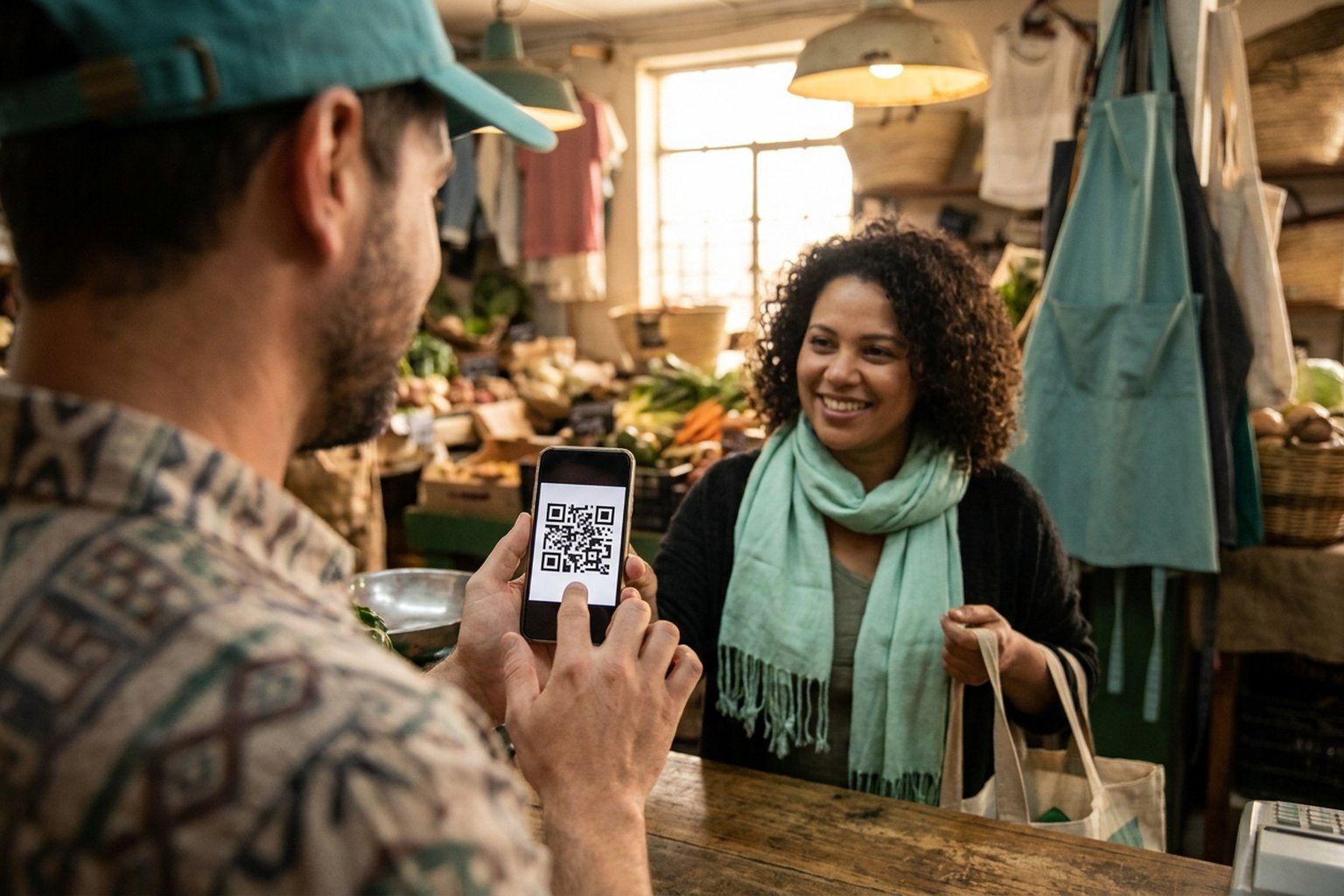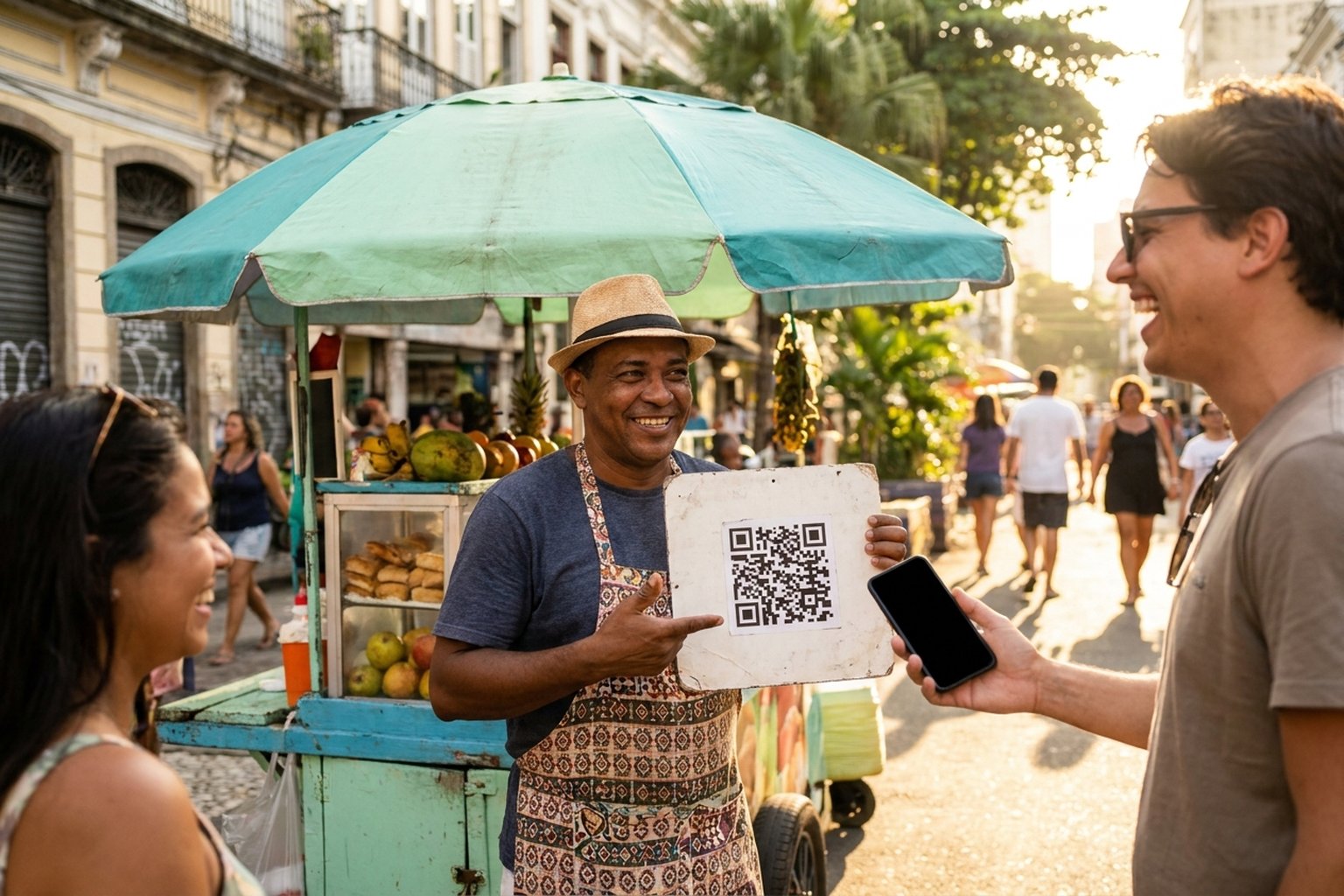
If you're a freelancer, service provider, or run a small shop and want to understand how to receive PIX without a card machine, the short answer is: you don't need any machine at all. You can get paid directly by generating a PIX charge — no device rental and no acquirer monthly fee, and the amount reaches your wallet by the end of the next day, every day. This guide shows how it works, what it really costs, and why receiving into your own self-custody wallet can beat depending on a bank or a card machine.
- You receive PIX payments with no card machine and no device rental.
- No business entity or contract required: sign up with email and password and link a wallet; after sign-up, PixGo validates your account.
- Funds arrive as DePix (a stablecoin backed 1:1 by the Real) in your self-custody wallet by the end of the next day — the key is yours.
- 2% fee (or 2% + R$ 1 on sales from R$ 10 to R$ 49.99) plus R$ 0.50 per transfer to your wallet. No monthly charge.
- You can protect part of the money in digital dollars (USDT) and cash out to Real whenever you want.
Why a card machine gets expensive (rental, fees, and delays)
A card machine solves the problem of accepting cards, but it carries costs many people only notice at the end of the month:
- Rental or monthly fee for the device — the bill shows up even when sales are low.
- Acquirer fee (MDR) taken from each sale, which grows on credit and installments.
- Settlement delays — card money can take days to land, and advancing it costs even more.
- Device dependency — no battery, no signal, or a broken machine means you stop selling.
PIX already removes much of this: the payment is confirmed on the spot, with no device. What's missing is an organized way to charge, track, and store that money without being tied to a bank. That's where receiving PIX straight into your own wallet comes in.
Charge via WhatsApp, Instagram or email with a PIX payment link. See the PixGo PIX payment link.
Create accountHow to receive PIX without a card machine, straight to your wallet
With PixGo, the customer pays a normal PIX from their bank, and the amount arrives for you as DePix by the end of the next day — a stablecoin backed 1 to 1 by the Real, on the Liquid network. In practice, 1 DePix equals 1 Real. The difference is where the money lives: in a self-custody wallet where the key (the seed) is yours. Once the DePix arrives, you control the balance, and nobody charges you a monthly fee to use it.
The steps are simple:
- Create your account at pixgo.org/cadastro with email and password, create your PixGo Wallet (or use another Liquid network wallet), and save and validate the address in My Profile.
- After sign-up, PixGo validates your account.
- Generate a charge: a one-off charge in Generate Charge (amount from R$ 10 and the CPF or CNPJ of who will pay), a checkout link, a fixed QR Code, or a recurring charge.
- The customer pays the PIX from their bank, from the account of the same CPF or CNPJ entered on the charge.
- The amount reaches your wallet as DePix by the end of the next day, and from then on it's truly yours — you're in control.
No device, no rental, no technician, no being held hostage by a machine's signal. It works for in-person sales (show the QR), online sales (send the link), and monthly billing for regular customers.
What it costs: a 2% fee and no monthly charge
Here's the honest part. PixGo charges 2% per sale (or 2% + R$ 1 on sales from R$ 10 to R$ 49.99), plus R$ 0.50 per transfer to your wallet, which is PixGo's fee for the next-day transfer (not a Liquid network fee). That's it. No monthly fee, no machine rental, no setup fee, and no contract locking you in.
- Received R$ 100? That's R$ 2 in fees + R$ 0.50 for the transfer, and you receive R$ 97.50.
- No sales this month? You pay nothing — no fixed cost chasing you.
- No card-style advance fees: the PIX is confirmed on the spot and the DePix reaches your wallet by the end of the next day, including weekends and holidays.
For a fair comparison: a card machine usually adds a monthly rental + an MDR per sale. The model of paying only a slice per transaction, with no fixed cost, tends to make more sense for those who sell little or irregularly. See the full breakdown in PixGo fees.
No mandatory business entity, with the money under your control
You don't need to open a company or have a tax ID to start — sign up with email and password, and then PixGo validates your account. That helps people just starting out as freelancers who haven't formalized yet. Important: not formalizing does not mean not declaring. Income is income and should go into your tax return normally. We explain the right path in how to declare DePix on your taxes.
The benefit of self-custody is control: once the DePix reaches your wallet, the money doesn't sit in an account that can be limited by an anti-fraud system that doesn't understand your business. If you've ever been caught off guard by that, it's worth reading when the bank flags a legitimate payment as fraud.
Inflation protection: dollarize part of what you receive
Anyone receiving in Real feels purchasing power fall over time. In PixGo, you can swap part of your balance for digital dollars (USDT) right inside the wallet. It's not a profit promise — it's just a way to avoid leaving all your cash exposed to Real inflation. Whenever you want, swap back to DePix and cash out to Real. Learn more in receiving PIX in dollars.
On privacy: the Liquid network uses confidential transactions, meaning amounts and assets are hidden on the public chain by default, as a technical design choice of the network. That's data privacy, not a hiding place — your tax obligations remain the same.
And when it's time to turn it into cash in your account?
Receiving is half the story; cashing out is the other half. In PixGo you convert DePix back to Real two ways: through the wallet's own PIX Button or through CryPix, which pays via PIX or boleto. The step-by-step is in how to cash out.
Want more than just receiving? PixGo also gives you a free online store, checkout links, and QR Codes to sell more. Practical tips in how to sell more with PixGo.
Frequently asked questions
Do I need a card machine to receive PIX?
No. PIX doesn't use a card machine. You just generate a charge (link, QR Code, or recurring) and the customer pays from their bank app. With PixGo, the amount reaches your self-custody wallet as DePix by the end of the next day.
Do I need a business tax ID or a company?
It's not required. You sign up with email and password, you can use a personal CPF, and there's no contract. Remember that not having a company doesn't exempt you from declaring the income you receive.
What's the fee to receive PIX without a card machine on PixGo?
It's 2% per sale (or 2% + R$ 1 on sales from R$ 10 to R$ 49.99), plus R$ 0.50 per transfer to your wallet. No monthly fee, no rental, and no setup fee.
How long does the money take to arrive?
The PIX is confirmed on the spot and the DePix reaches your wallet by the end of the next day (D+1), every day, including weekends and holidays — without the paid advances typical of cards. Once it arrives, because it's self-custody, the balance is yours and ready to use, dollarize, or cash out.
Can I use it for both in-person and online sales?
Yes. For in-person sales, show a fixed QR Code. For remote sales, send a checkout link. And for regular customers, you can set up a recurring payment.
Receiving PIX without a card machine, with no rental and the money under your control, is simpler than it sounds. Create your free account on PixGo and, once it is validated, generate your first charge and start receiving straight to your wallet.