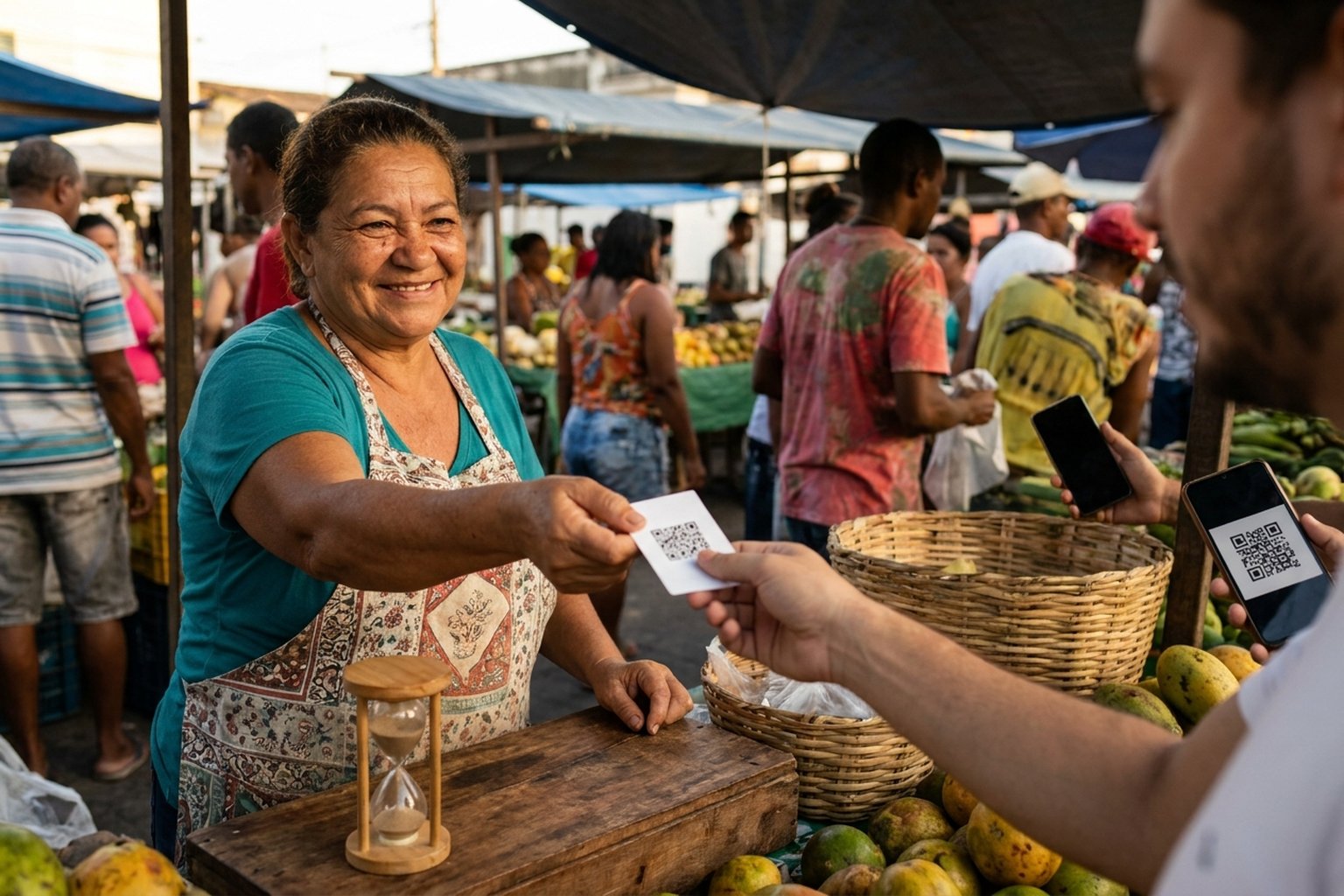
You generated a DEPIX QR code, sent to your customer, and they took a while to pay. When they come back, the QR has expired. Calm down — no mystery. This guide shows how long each QR type lasts, what happens if the customer pays after the deadline, and how to generate a new one in seconds.
- Standalone DEPIX (/depix): expires in 20 minutes
- Store charge (/loja): expires in 20 minutes
- QR via API: expires in 20 minutes (the response includes
expires_at) - Customer paying expired QR: PIX returns automatically within 48 hours via PSP
- Re-issuing is free — no cost or daily limit
Deadlines by QR type
| Type | Expires in | Configurable? |
|---|---|---|
| Standalone DEPIX (/depix) | 20 min | No (fixed) |
| My Store charge (/loja) | 20 min | No (fixed) |
| QR via API v1 | 20 min | No (fixed) |
| Recurring checkout | 30 min (timer) | No |
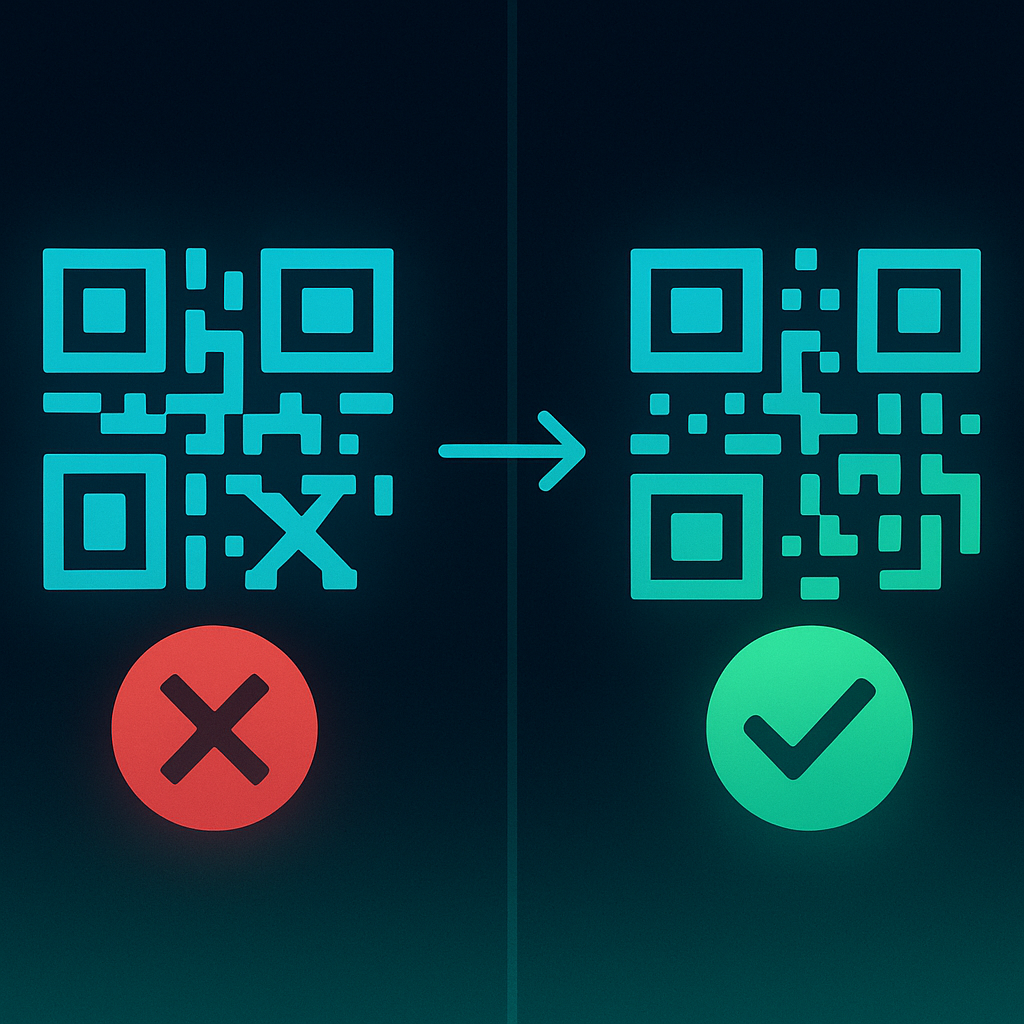
What happens if customer pays expired QR?
Customer opens bank app, scans expired QR, tries to pay. Two scenarios:
Scenario 1 — Customer's bank detects expiration
App shows: "QR expired, generate new". Customer can't pay, notifies you, you generate another QR. No harm.
Scenario 2 — App processes anyway
Some less strict apps send the PIX. Three sub-scenarios:
- parceiro de pagamento regulado detect: PIX is rejected at receipt, value returns to customer within 48 hours
- PIX reaches PSP: PSP refuses because ID isn't active. Customer gets automatic refund
- Very rare — arrives expired: webhook receives and we try to match. If checkout still exists, DEPIX is credited normally. If cancelled, value is refunded
In all cases the customer does NOT lose money. PIX returns within 48 hours if not successfully processed.
How to generate new QR (customer will pay now)
Via Dashboard (/depix standalone)
- Go to /depix
- Enter the amount, tap Continue and enter the payer's CPF or CNPJ
- Tap Charge
- Send the new QR Code (or the Pix Copy and Paste code) to the customer — 20 min on the clock
Via My Store (customer bought a product)
- Send the checkout link (pixgo.org/pay/XYZ) to the customer again
- The customer completes the purchase again
- A new QR is generated on the spot, valid for 20 minutes
pixgo.org/pay/YOUR_ID link which will auto-pull the new QR. No need to send a different URL.Via API (developer)
curl -X POST https://pixgo.org/api/v1/payment/create \
  -H "X-API-Key: YOUR_KEY" \
  -H "Content-Type: application/json" \
  -d '{"amount": 50.00, "description": "Order #1234", "receiver_cpf": "12345678900"}'
Why short QR windows?
- System reserves a slot per QR: each QR occupies an active
payment_idon the PSP - Anti-fraud: 24h QR has 24h to be intercepted/abused. 20min QR drastically reduces window
- Dashboard cleanup: active user generates several QRs/day. Without expiration the pending list balloons
Tricks to avoid expiration (common cases)
Slow sale (customer reviewing product)
If you know the customer will take time (chatting, doubts), don't send the QR upfront. Send only when they confirm they're paying. The 20 min start when they're actually going to use it.
Scheduled sales (recurring, monthly)
For monthly/weekly billing, use the Recurring API module. System auto-generates QR 1-2 days before due date.
Customer who will pay later
For "pay by tomorrow" type sales, generate the QR only when the customer is about to pay. Via API, it's a new call to POST /api/v1/payment/create. Works for abandoned cart, booking charges, etc.
Common errors
Customer says "paid, receipt attached" but QR was expired
- Check Dashboard if checkout reached
completed - If NOT: PIX will return within 48 hours. Reassure, wait
- If yes (rare): DEPIX is already in wallet, all good
- Customer impatient? Ask for receipt PDF and check "PSP/Receiver": it shows a payment institution, not your store
FAQ expired QR
Who does the customer claim from if PIX returns?
Customer claims from themselves (bank refunds). You (seller) have nothing to do with the reversal — you generate new QR if they insist on paying.
Does re-issuing cost?
NO. Re-issuing is free and unlimited. You only pay fees on paid sales: 2% (+ R$1 on sales from R$10 to R$49.99) + R$0.50 per D+1 delivery.
Can I configure standalone QR to last more than 20min?
No. Every QR is valid for 20 minutes (Gerar Cobrança, My Store and API). Generate a new one when the customer is about to pay.
Does QR expire on customer inactivity?
No. Deadline is fixed from creation. Customer opening/closing — clock keeps ticking.
Can I cancel QR before expiration?
Yes. Dashboard, Cancel button on order list. Status becomes cancelled.
Practical summary
- Standalone DEPIX, Store and API: 20min
- Customer pays expired QR: returns to them within 48 hours, no harm
- Re-issuing free and instant, same Store link
- For slow sales: only send QR when customer actually pays
- For recurring/booking: generate the QR at payment time (API or recurring module)
- Receipt showing parceiro de pagamento regulado = went through; otherwise = will refund
Related reading: PIX paid, DEPIX didn't arrive · PixGo API · Customer's bank flags scam