
"I want to charge monthly subscription automatically" is one of the most common dev questions when integrating PixGo. Short answer: PixGo doesn't have a native subscription endpoint (like Stripe Subscriptions), and every PixGo charge is a regular PIX: the Central Bank's Pix Automático exists, but PixGo doesn't use it — each charge needs the customer confirming payment. But you can implement recurrence robustly. This guide shows two paths: direct API + the ready PIX recurring billing module.
- Not auto-debit: the Central Bank's Pix Automático exists, but PixGo recurring billing issues a charge each cycle — the customer pays each one
- 2 paths: ready
/recurrencemodule (no code) or custom routine via API - Custom: cron job +
POST /payment/createon renewal + retry/grace period - Customer notification: WhatsApp/email with payment link N days before
- Handle churn: clear "didn't pay in N days → suspend" policy
Why PixGo billing is not auto-debit
Before implementing, understand the model: PixGo works with regular PIX, where the merchant doesn't debit the customer's account. Every PIX requires QR Code generated by merchant, customer opening bank app, scanning and confirming payment.
That's how regular PIX works, one charge at a time. What PixGo delivers is facilitated recurrence: the system creates the charge automatically each cycle, notifies the customer, and they pay the PIX.
Charge monthly fees and subscriptions via PIX, with an email reminder before each due date. See PIX recurring billing.
Create accountPath 1 — Ready /recurrence module (no code)
If you don't want to code, PixGo has a complete PIX recurring billing module with:
- Plan setup (amount, frequency: monthly/weekly/annual)
- Customer registration (name, email, phone, CPF)
- Automatic QR generation on renewal
- Email/WhatsApp notification (configurable)
- Subscription management page (status, past payments, suspend, reactivate)
- Public "Subscribe" link customers access to join the plan
Solves 80% of cases without touching code. See the intro video on the PixGo Guide.
Path 2 — Custom recurrence via API
If you need specific rules (multi-tenant, integration with your product, upgrade/downgrade logic, complex churn management), build via API. Basic structure:
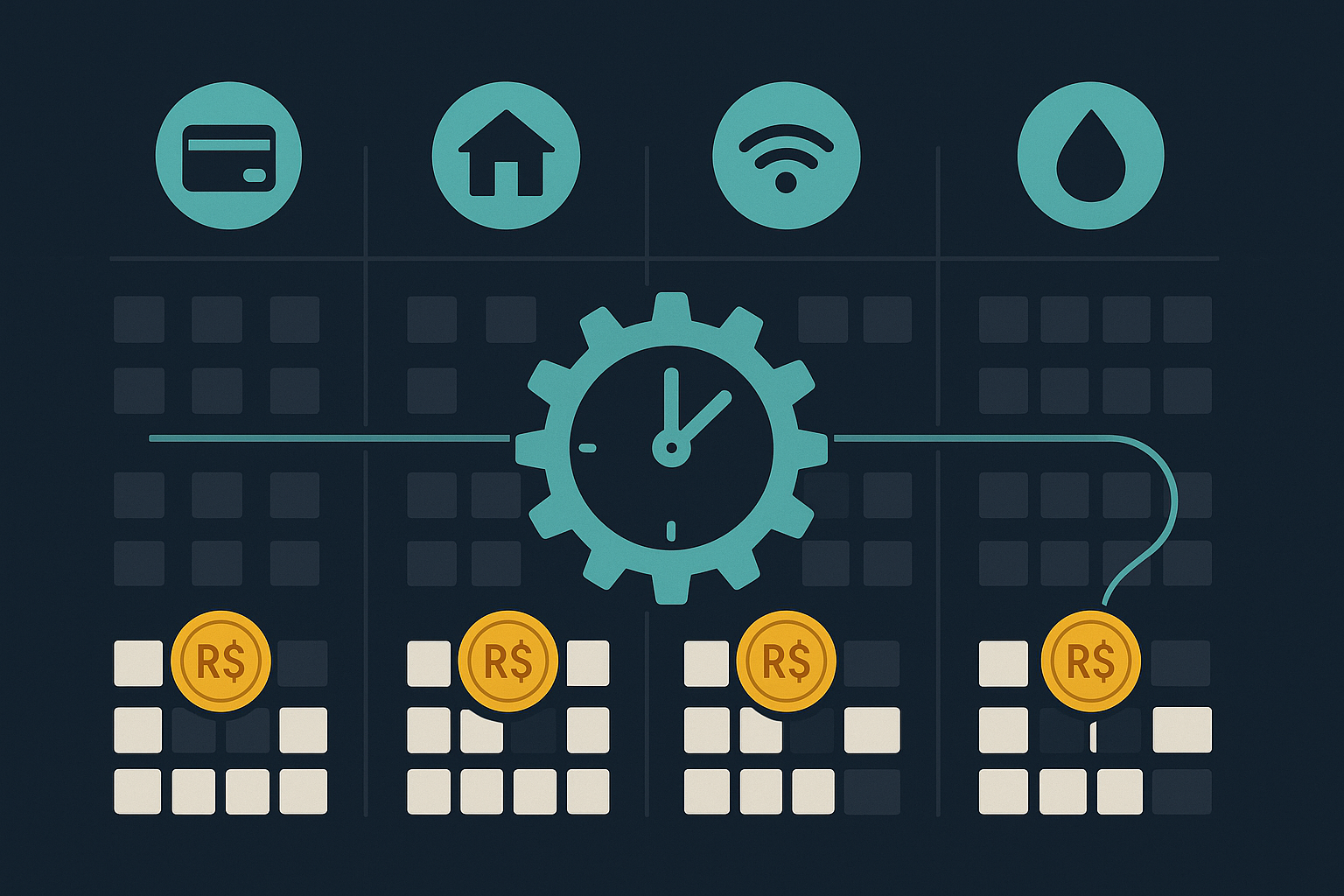
Minimum data model
You need 3 tables in your database:
subscriptions
  - id
  - customer_id
  - plan_id
  - status: active | past_due | suspended | canceled
  - next_billing_date
  - created_at, canceled_at

plans
  - id
  - name
  - amount (in BRL)
  - interval: monthly | weekly | annual
  - grace_days: tolerance days before suspending

invoices
  - id
  - subscription_id
  - payment_id (UUID returned by PixGo)
  - external_id (your ID)
  - amount, due_date
  - status: pending | paid | overdue | canceled
  - paid_at
Cron logic (runs 1×/day, recommended 8am)
// Daily billing cron pseudocode
function runDailyBilling() {
    $today = date('Y-m-d');
    $dueToday = db.query("SELECT * FROM subscriptions
        WHERE status='active' AND next_billing_date <= ?", [$today]);

    foreach ($dueToday as $sub) {
        // 1. Create invoice in your DB
        $invoice = createInvoice($sub);

        // 2. Call PixGo API
        $resp = callPixgoApi('POST', '/payment/create', [
            'amount' => $sub->plan->amount,
            'description' => "Subscription {$sub->plan->name}",
            'external_id' => $invoice->id,
            'customer' => [
                'name' => $sub->customer->name,
                'email' => $sub->customer->email,
                'cpf' => $sub->customer->cpf,
            ],
            'webhook_url' => 'https://yoursite.com/webhooks/pixgo'
        ]);

        // 3. Store payment_id
        $invoice->payment_id = $resp['id'];
        $invoice->save();

        // 4. Notify customer (WhatsApp/email) with payment link
        notifyCustomer($sub->customer, $resp['payment_url'], $resp['qr_code']);

        // 5. Update next renewal date
        $sub->next_billing_date = addInterval($sub->next_billing_date, $sub->plan->interval);
        $sub->save();
    }

    // Handle overdue unpaid invoices (grace period)
    handleOverdue();
}
Webhook handler (updates invoice when paid)
function handleWebhook($event, $payload) {
    if ($event !== 'payment.completed') return;

    $external_id = $payload['external_id'];
    $invoice = db.findOne('invoices', ['id' => $external_id]);
    if (!$invoice) return;

    $invoice->status = 'paid';
    $invoice->paid_at = now();
    $invoice->save();

    // If sub was past_due, reactivate
    if ($invoice->subscription->status === 'past_due') {
        $invoice->subscription->status = 'active';
        $invoice->subscription->save();
    }
}
Notification — the key to success
The biggest difference between "recurrence works" and "recurrence with high churn" is notification. Customers forget to pay PIX, simple as that. Best practices:
Suggested schedule
| When | Message | Goal |
|---|---|---|
| 3 days before | "Your subscription expires in 3 days. Pay here: [link]" | Heads up — customer pays early |
| Due date | "Due today! Pay in 1 click: [link]" | Main reminder |
| 1 day late | "We noticed you haven't paid yet. Anything wrong? [link]" | Gentle recovery (zero pressure) |
| 7 days late | "Your account will be suspended in X days. Pay to continue: [link]" | Real urgency |
| Post-suspension | "Account suspended. Pay to reactivate: [link]" | Win-back |
Channels
- WhatsApp: highest open rate (90%+). Use official WhatsApp Business API or services like Z-API, Evolution API
- Email: low open rate (20-30%), but cheap and necessary for paper trail
- SMS: high cost, high open rate — for urgent cases (7 days late)
- Push notification (if you have an app): free and effective
payment_url returned by the API). Customer clicks the link and their app opens directly on the PIX screen — payment rate increases a lot.Special case handling
Customer pays late but within grace period
When payment.completed webhook arrives for an overdue invoice, reactivate the subscription. Charge normally next cycle (don't try to "recover" missed past payments).
Customer accidentally pays 2×
Can happen. Detect: 2 payment.completed webhooks for the same customer in a short window. Solution: refund the second via tickets (PixGo doesn't have self-service refund endpoint yet).
Customer wants to change plan (upgrade/downgrade)
Your subscription keeps history. Create new invoice with prorated amount, or charge full new amount next cycle. Product decision.
Customer cancels mid-cycle
No way to auto-prorate refund via API. Send a message explaining the service continues until end of already-paid period. Don't generate next invoice.
Webhook arrives 2× from retry
Use idempotency: invoice in your DB only becomes paid once. If duplicate webhook arrives, the second is no-op.
Common frequencies and considerations
| Frequency | Considerations |
|---|---|
| Weekly | High friction for customer. Recommended only for low values (R$10-30). Higher churn rate. |
| Monthly | Industry standard. Customer expects it. Works at any amount. |
| Quarterly | Good for larger charges (R$200+). Customer pays fewer times, churn drops. |
| Annual | Highest LTV. Usually with discount. Recommended to offer alongside monthly. |
Recurrence FAQ
Can the customer "save the method" to pay faster?
PIX itself, no — every time needs scan/paste. But the payment_url you send takes them directly to the payment screen. In 2 clicks it's paid.
What if I want to charge credit card too?
PixGo doesn't process card — only PIX. For card, you need another acquirer (Pagar.me, Stripe, etc) and run both methods in parallel. Customer picks at subscription time.
Can I charge variable amount (usage-based)?
Yes. Your subscription can compute dynamic value (e.g. consumed minutes, GB used) and send as amount in POST /payment/create.
Customer cancels and comes back — how to reactivate?
Canceled subscription → new subscription (same customer_id). History stays. You can offer win-back discount on first invoice.
How to avoid duplicates when cron fails and re-runs?
In your cron, mark subscription with last_billing_date BEFORE calling PixGo API. If call fails, retry checks if already charged today and skips.
What time to run the cron?
Morning (8am-10am) usually has best conversion — customer just woke up, opens WhatsApp/email, pays. Avoid overnight (customer sees only morning, but notification feels "old").
Worth using /recurrence module vs going custom?
If you're solo/early-stage, yes. You focus on product, recurrence runs ready. Custom only pays off with unique rules (multi-tenant, complex flow, deep integration with another system).
Practical summary
- Not auto-debit: PixGo creates each cycle's charge and the customer pays the PIX
- Use the recurring billing module if no code; custom API for specific rules
- Daily cron creates invoice + calls
POST /payment/create+ notifies customer payment.completedwebhook marks invoice as paid- Implement all: grace period + auto-suspend + win-back
- WhatsApp/email notification defines recurrence success
- Track MRR + churn + payment success rate daily
Related reading: Full API guide · Error codes and debug · ChatGPT as copilot