You have a Liquid wallet elsewhere — SideSwap, Blockstream Green, hardware wallet (Ledger), or exchange wallet — and want to receive DEPIX directly there when customers pay PIX. You can. This guide shows how to link your external wallet on PixGo Dashboard, advantages, and precautions.
- You can use ANY Liquid wallet to receive DEPIX — doesn't have to be PixGo Wallet
- Link address at My Profile → Liquid Address: Save Wallet and then Validate Wallet
- Supported: SideSwap, Blockstream Green, AQUA, Sparrow, Ledger+Green, Bitfinex/Liquid custody
- Can change anytime — affects FUTURE sales; old QRs go to previous wallet
- Can't "split" — only 1 active receiving address per account
- For production/business: hardware wallet (Ledger via Green) recommended
Why use external wallet?
- Higher security: hardware wallet (Ledger) is safer than phone app
- Established flow: you've managed SideSwap/Green long-time, prefer to keep
- Multi-sig: 2-of-3 signatures wallet for large funds (Sparrow/Specter)
- Institutional custody: company uses Bitfinex/Fireblocks for compliance
- Diversification: receive in wallet A, move to wallet B
How to link external address
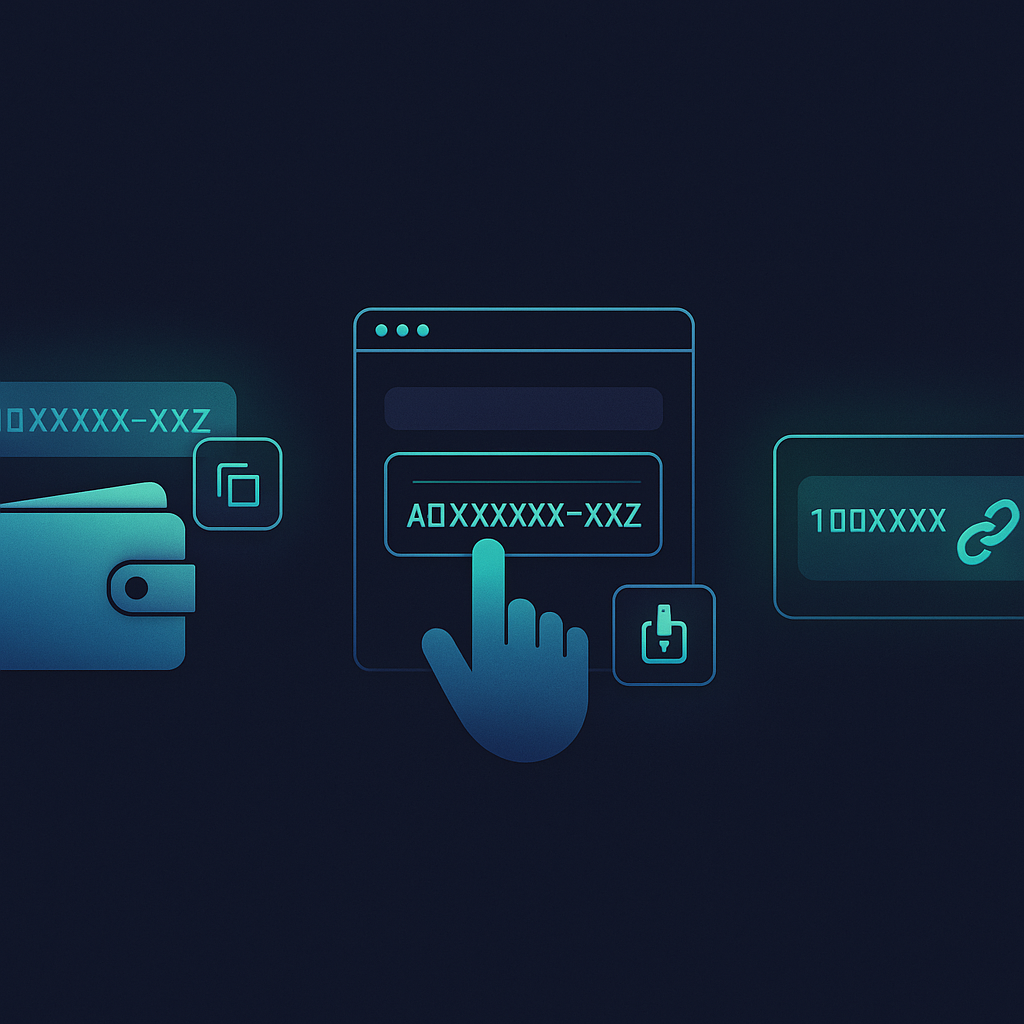
1. Get Liquid address from your external wallet
Liquid address format: lq1q... (60-100 chars) or VJL... (legacy). By wallet:
- SideSwap: app → Receive → select asset (DEPIX) → copy address
- Blockstream Green: Receive → Liquid Network → Confidential address
- AQUA: Receive tab → Liquid → address
- Ledger + Green: connect Ledger to Green → Receive → confirm on device
- Bitfinex / Custodial Exchange: exchange dashboard → Deposit → Liquid USDt/DEPIX → provided address
2. Paste in PixGo My Profile
- Go to My Profile (pixgo.org/perfil)
- Liquid Address section: paste external address
- Click Save Wallet
- System validates format (CT/legacy, correct bytes)
- Click Validate Wallet: in the "Validate Address" window, check "I declare I checked the address above" and click Confirm Validation
3. Test with small amount
- Generate R$10 (minimum) DEPIX QR at /depix
- Pay PIX
- Wait for D+1 (DEPIX arrives by the end of the next day)
- Verify the DEPIX arrived in external wallet
Advantages by wallet type
| Wallet | Advantage | Cons |
|---|---|---|
| PixGo Wallet | Integrated, simple, Buy Crypto + PIX out | Self-custody but software only |
| SideSwap | Self-custody, native DEPIX↔USDT swap | No direct hardware |
| Blockstream Green | Multi-sig, hardware wallet, 2FA | More complex |
| AQUA | Bitcoin + Liquid, simple | No hardware |
| Ledger (via Green) | Offline key, top security | R$400-1500 device |
| Sparrow / Specter | Pro multi-sig, granular control | Advanced, desktop only |
| Bitfinex | Exchange liquidity, direct USDt | Custodial — exchange risk |
Can I have MORE than one receiving address?
Directly NO — only 1 active per PixGo account. Workarounds:
Workaround 1: Multiple PixGo accounts
2 different businesses, 2 PixGo accounts, each with own address.
Workaround 2: Auto-forwarding
External wallet can auto-forward via cron (SideSwap calls API hourly to move balance > R$X to cold storage).
Workaround 3: Manual sweep
Receive all in PixGo Wallet → 1x weekly, transfer accumulated to hardware wallet.
Caution when changing address
Sales in progress still go to OLD wallet
When you change address, only new sales go to new one. QRs generated BEFORE change keep pointing to old.
Wrong address = lost DEPIX
Wrong paste = sales go to WRONG address. No return.
Mitigation:
- Always TEST with R$10 before going live
- Check first 8 and last 8 characters
- Paste via QR Code if possible
FAQ link wallet
Can I link a native Bitcoin address (bc1...)?
NO. PixGo operates DEPIX on Liquid. Address must be Liquid (lq1q or VJL...).
Custodial exchange address worth it?
For trader using exchange directly: YES. For hodler preferring self-custody: NO.
Can I change address multiple times?
Yes. No limit. But frequent changes (>1x/month) trigger anti-fraud.
Difference between "receiving wallet" and "Buy Crypto" address?
"Receiving wallet" = where DEPIX arrives when customer pays YOUR PIX QR. "Buy Crypto" = where crypto arrives when YOU buy via wallet. Independent.
Can I receive USDT instead of DEPIX?
Not automatic. PIX becomes DEPIX (1:1 with BRL, Eulen rule). To receive USDT, do swap afterward.
How to know if pasted address is correct WITHOUT sending PIX?
Send 1 DEPIX test FROM the wallet (gas station) to external address. Cost: R$0.05 fee.
Practical summary
- Link at My Profile → Liquid Address (Save Wallet + Validate Wallet)
- Paste Liquid address (lq1q...) from external wallet
- TEST with R$10 before real volume
- Sales in progress go to old wallet until old QRs expire
- Only 1 active address per account — multiple wallets = multiple PixGo accounts
- Hardware wallet (Ledger via Green) for funds > R$30k
- Custodial exchange address = only for direct trading operators
- Frequent change triggers anti-fraud — stabilize
Related reading: Wallet from zero · Wallet security · PIX paid, DEPIX didn't arrive